— 12 —
Operation
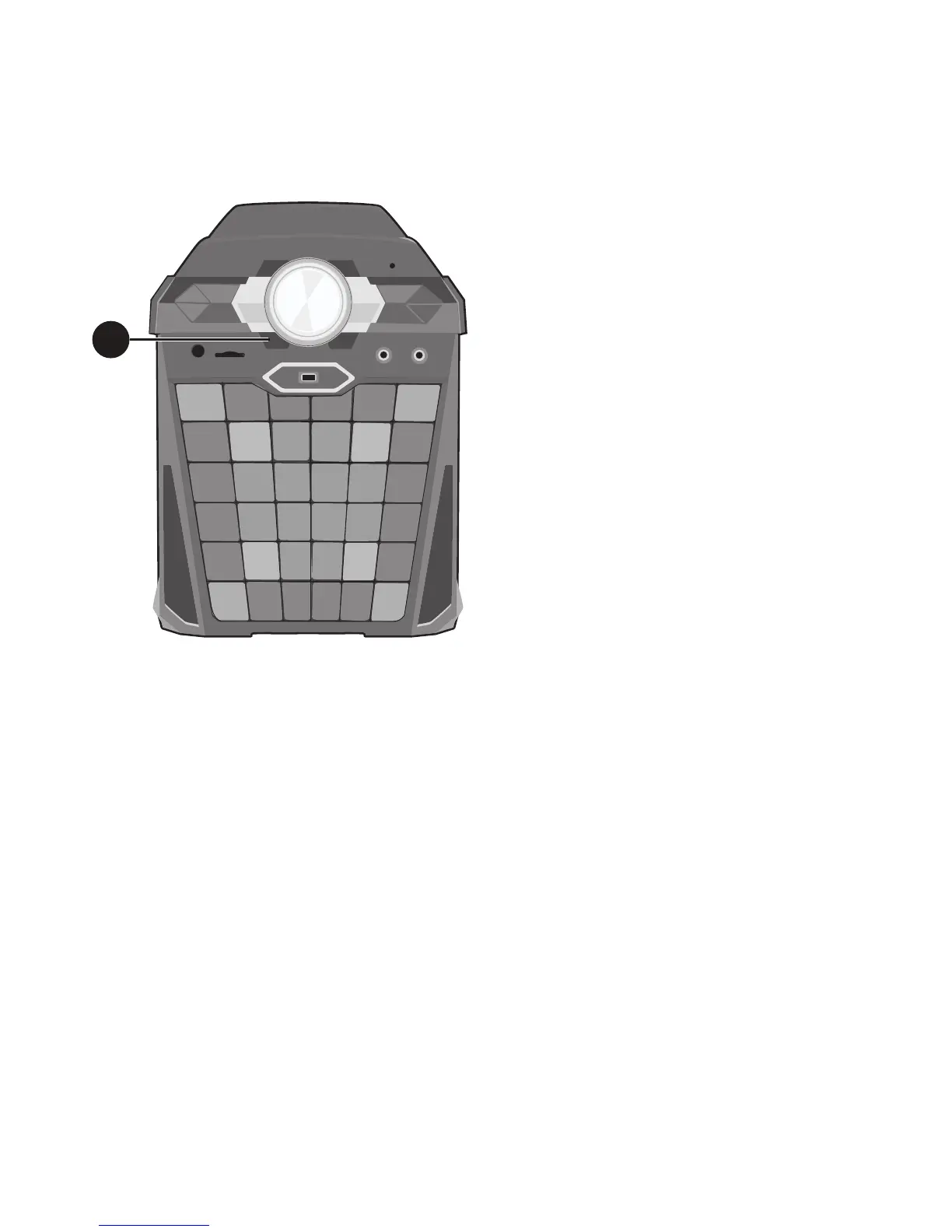
Light Mode
1
There are four Light modes.
Repeatedly press the LIGHT MODE
button to select a mode as follows:
Light Mode 1: The unit will light up with
random colors and patterns.
Light Mode 2: The unit will light up with
set colors (Green = low, Red = mid, Blue
= high) depending on the music being
played or the live singing performance.
The louder the music/singing, the higher
the light.
Light Mode 3: The unit will light up
with random colors depending on the
music being played or the live singing
performance. The louder the music/
singing, the higher the light.
Light Mode 4: The light effects will be
turned off.
1











 To Next Page