— E6 —
Connection
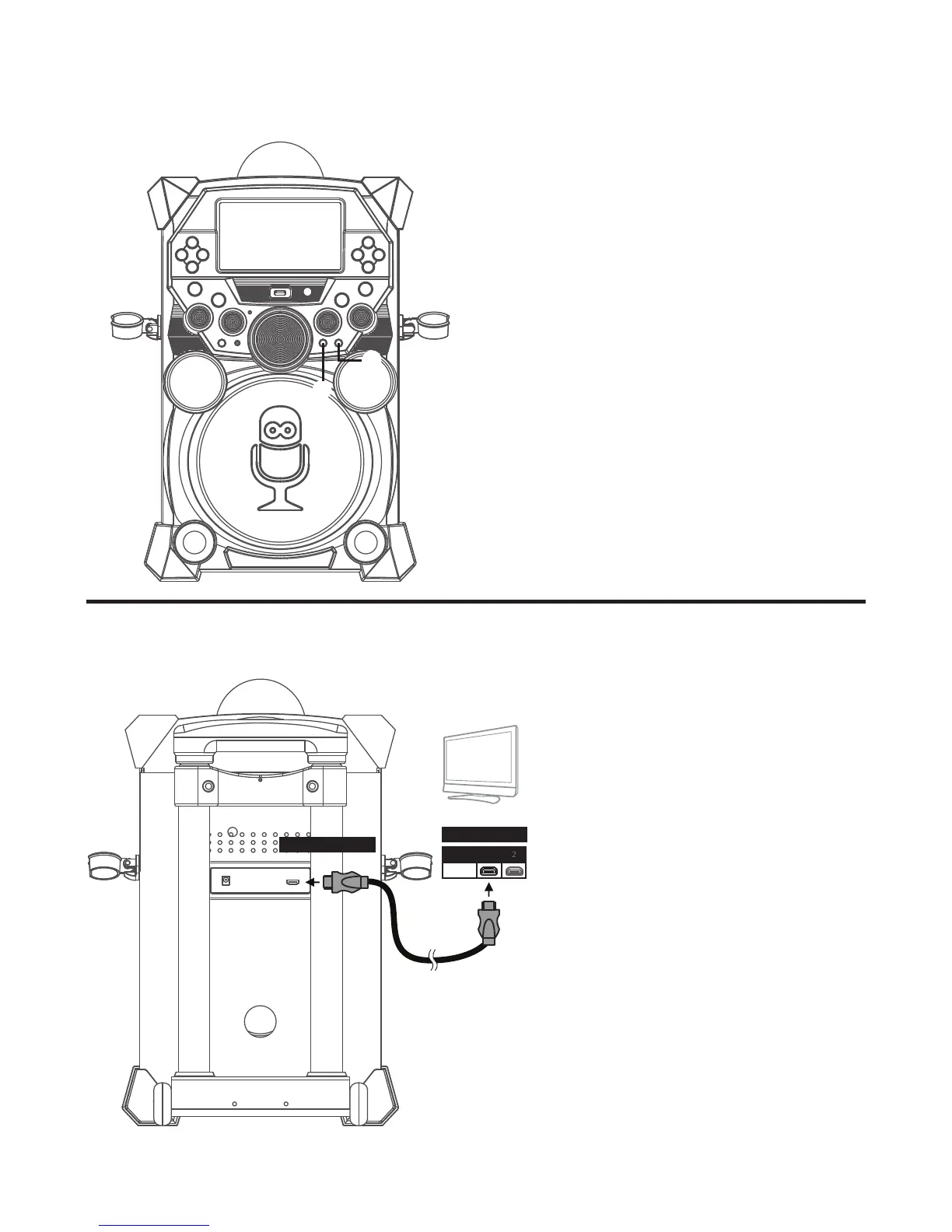
Connecting the Microphone(s)
Microphones:
Connect a microphone into Mic jack 1
u
and the other microphone into Mic jack
2
v
(if desired).
Note: Do not drop or tap the Mic as
damage to the Mic or speakers may occur.
Do not twirl the microphone by cord as it
will cause damage to the encased wiring.
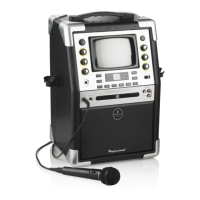
The video and lyrics will be displayed
on the built-in screen. You may also
want to connect a TV to display a
larger image and additional sound;
follow the steps below:
Plug the HDMI cable (Not included)
into the HDMI Jack on the back of
the unit. Plug the other end of the
HDMI cable into the HDMI input on
your TV.
Notes:
• This unit can be used with or
without a TV.
• Also refer to the TV’s or external
unit’s User Guide.
u
v










 To Next Page