— E12 —
Connections
1
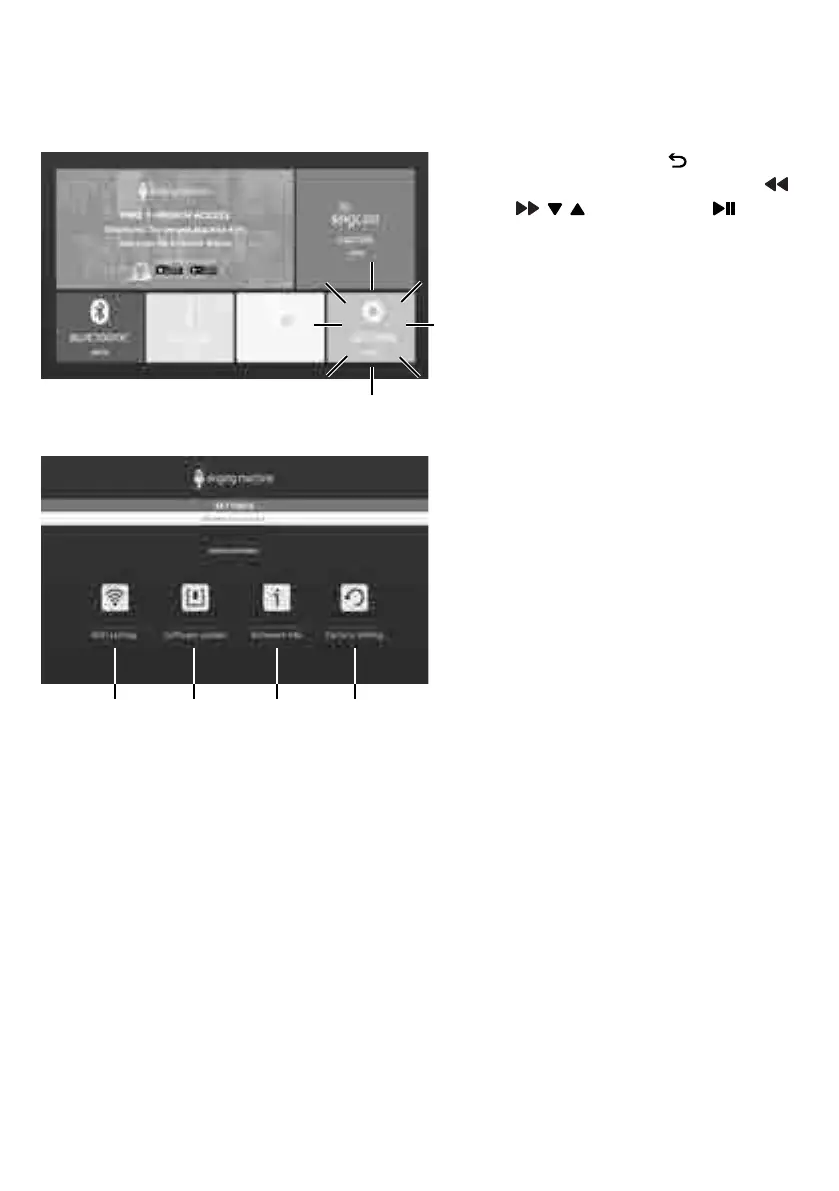
Press and hold the button to go
to the main menu. Using the ,
, , Navigation and button
select the SETTINGS icon; "SEt"
will appear on-screen.
2
Select WiFi setting to connect or
disconnect from the WiFi network
and check the WiFi signal level.
3
Select Software update to
update the software of the unit.
4
Select Software info to check the
latest software version and serial
number of this unit.
5
Select Factory setting to delete
all data stored in the unit.
Settings
xwv y



 To Next Page