-3-
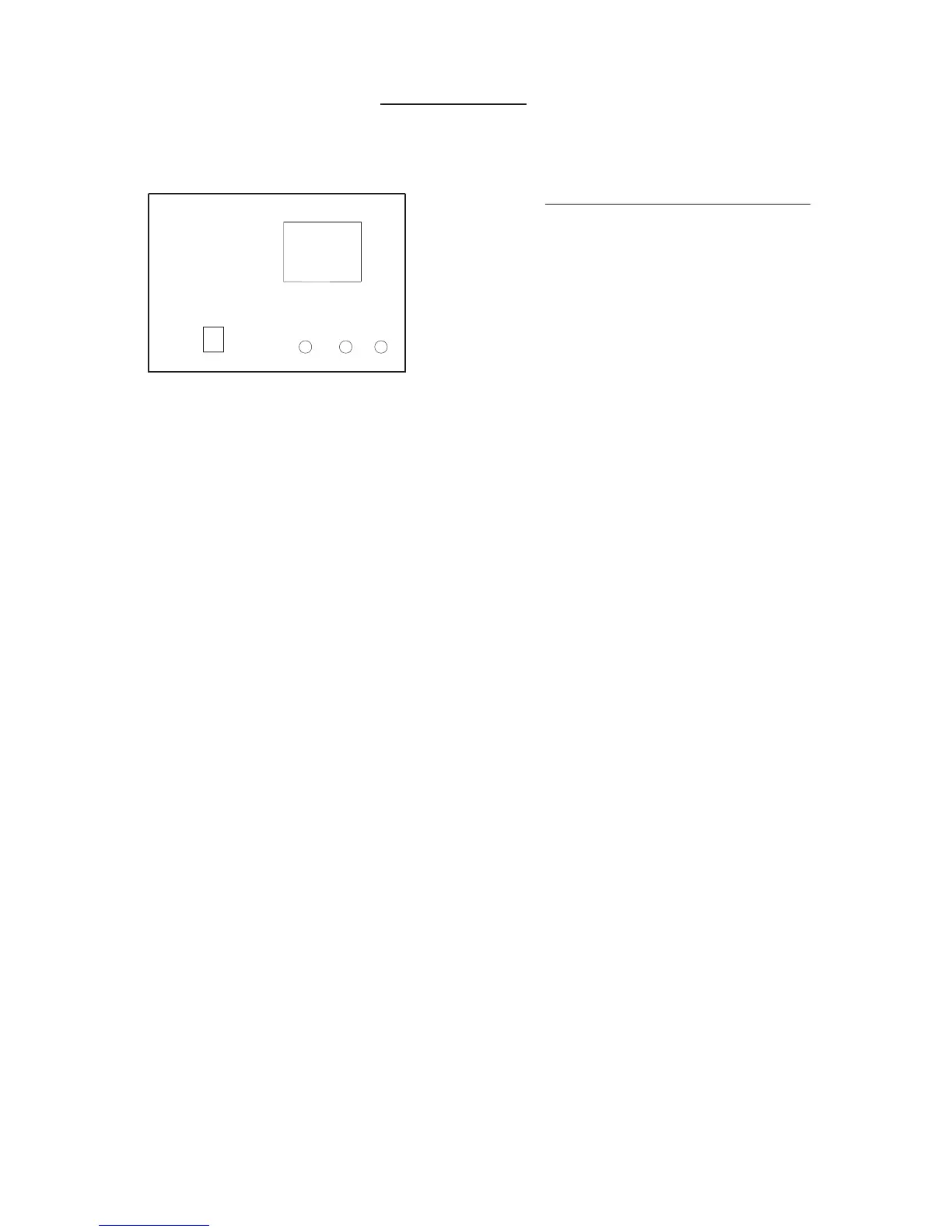
DISPLAY PANEL
Indicator Lights on Display panel
defrost (LED)
Indicator illuminates when unit starts automatic
defrost or when warm air control feature is
activated in heat mode.
run (LED)
Indicator illuminates when unit is running.
timer (LED)
The indicator illuminates when TIMER is
activated.
temperature setpoint
Displays “Set Point” in the following modes:
Auto, Cool or Heat
Displays “Actual Room Temperature” in
the Fan mode.
IR Receiver
Receives signal from remote control.
88
Temperature
Set Point
defrost run timer
IR Receiver
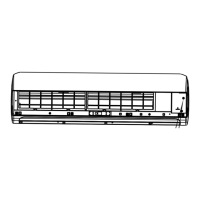
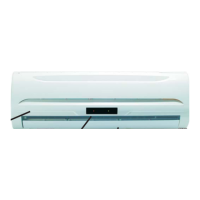
NOTE: There will not be a visible display on the front cover when the unit is off. The LED’s are on the
backside of the cover and shine through the cover to create the display when the unit is on.



 To Next Page