Need help?
Do you have a question about the Thermalright Macho Rev. B and is the answer not in the manual?
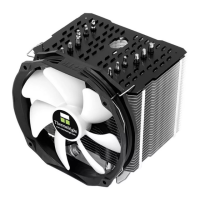
Prepare the heatsink body by attaching fan clips and anti-vibration pads.
Install the backplate and screw pillars onto the motherboard based on CPU socket type.
Specific step for installing the back plate cap on LGA775 motherboards.
Mount the motherboard onto the backplate and secure screw pillars with nuts.
Attach the anchoring mount to the screw nuts using M3L6 screws.
Apply thermal paste evenly on the heatsink base and CPU surface.
Place the heatsink body and mounting plate, securing with M3L6 screws.
Utilize the screwdriver through the heatsink hole for screw access.
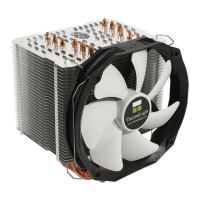
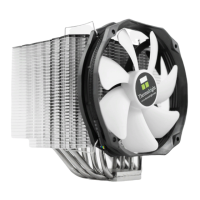
Attach the TY-147A fan to the heatsink body using fan clips.
Connect the fan connector to the CPU PWM fan socket on the motherboard.
 General
| Brand | Thermalright |
|---|---|
| Model | Macho Rev. B |
| Category | Computer Hardware |
| Language | English |

 To Next Page