
 Need help?
Do you have a question about the Thermaltake Urban T81 and is the answer not in the manual?
Step-by-step guide on how to properly install the motherboard inside the PC chassis.
Procedure for installing the Power Supply Unit (PSU) into the computer case.
Covers the installation process for both 3.5-inch and 2.5-inch Hard Disk Drives (HDDs).
Steps for installing PCI expansion cards into the motherboard slots.
Instructions for setting up air cooling components within the PC case.
Detailed steps for installing liquid cooling systems in the computer chassis.
 General
| Type | PC |
|---|---|
| Material | SECC |
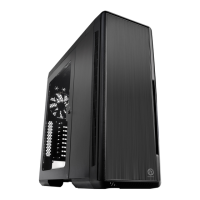
| Form factor | Full Tower |
| Side window | Yes |
| Product color | Black |
| Built-in speaker(s) | - |
| Number of 2.5\" bays | 8 |
| Number of 3.5\" bays | 1 |
| Number of 5.25\" bays | 2 |
| Maximum CPU cooler height | 180 mm |
| Supported motherboard form factors | ATX, EATX, Micro ATX |
| USB 2.0 ports quantity | 4 |
| Top fans installed | 1x 200 mm |
| Rear fans installed | 1x 140 mm |
| Supported HDD sizes | - \ |
 Weight and Dimensions
| Depth | 602 mm |
|---|---|
| Width | 235 mm |
| Height | 585 mm |
| Weight | 13800 g |




 To Next Page