Chapter 1. Product Introduction
Chapter 2. Installation Guide
2.1
2.2
2.3
2.4
2.5
2.6
2.7
1.1
1.2
1.3
02
02
03
05
06
07
08
10
12
13
Contents
1 2
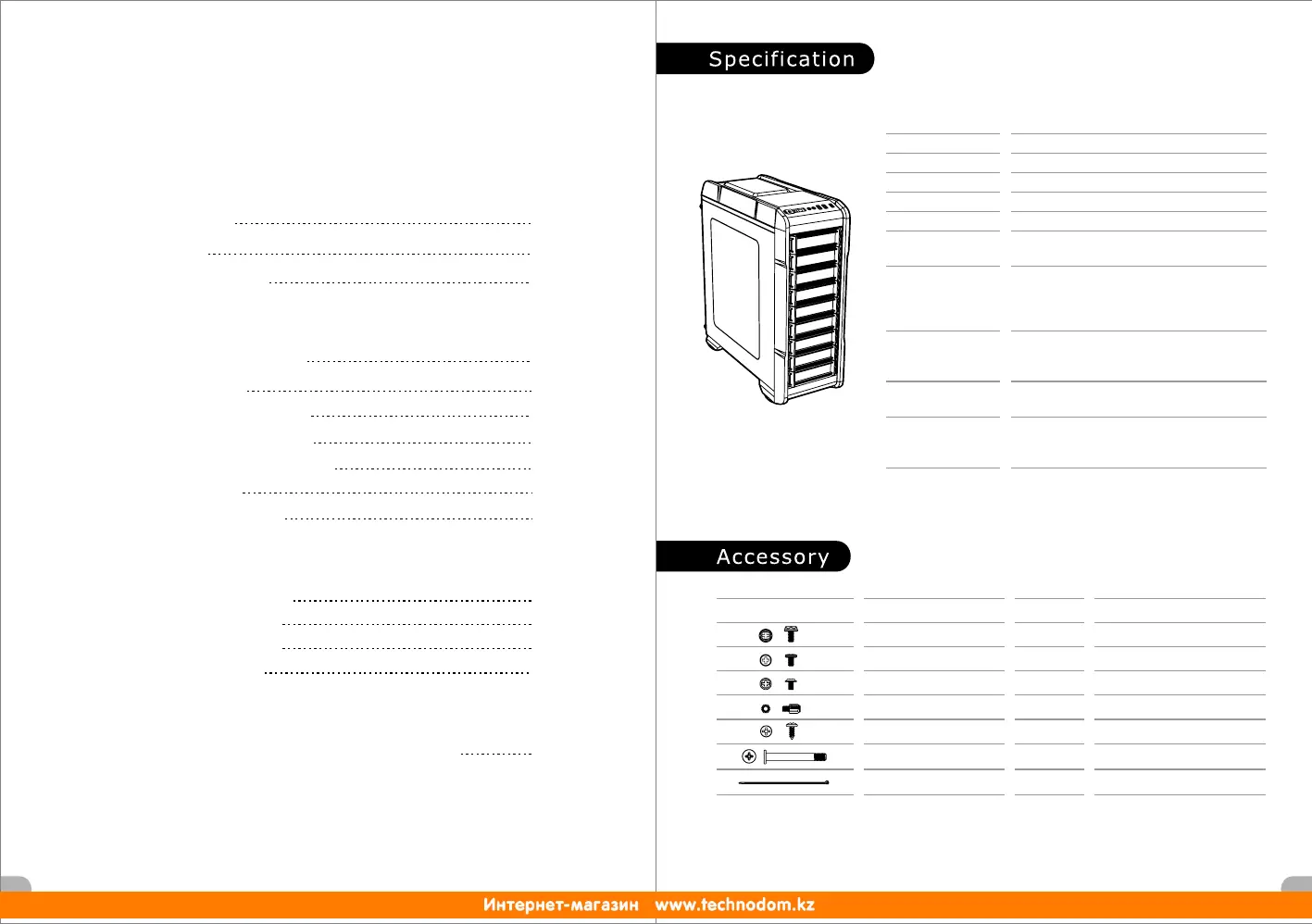
Specification
Accessory
Warning and Notice
Side Panel Disassembly
PSU Installation
Motherboard Installation
5.25" Device Installation
Chapter 3. Leads Installation
Case LED Connection
USB 2.0 Connection
USB 3.0 Connection
Audio Connection
3.1
3.2
3.3
3.4
14
14
14
14
Chapter 4. Other
4.1
20
Thermaltake Power Supply Series (Optional)
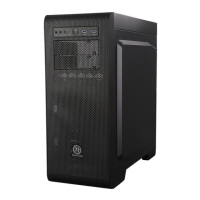
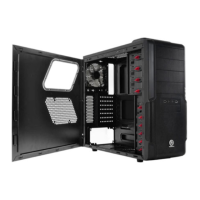
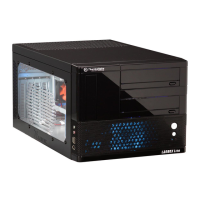
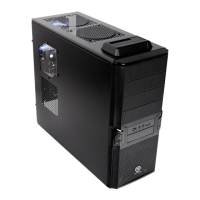
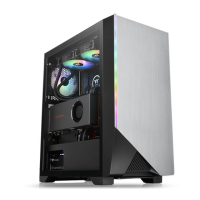
*Picture for reference only
*Information in the user manual is subject to change without notice
Cable Tie
4
Zip tie
Figure
Parts Name
Q'ty
Used for
Stand-off # 6-32 x 6 mm
Screw # 6-32 x 5 mm
6
8
For PSU, PCI Slot
18
For 3.5"HDD
Screw M3 x 5 mm
3
For 2.5" HDD & main board foothold
6 For Hdd tray
8
Fro front fan
3.5" & 2.5" HDD Installation
PCI Slot Usage
Radiator Installation
For main board foothold
Screw # 6-32 x 6 mm
Hdd tray Screw
Screw M3 X 30L mm
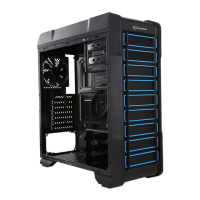
Mid Tower
Radiator Support
USB 3.0 x 1,USB 2.0 x 2, HD Audio x 1
7
SPCC
Top: 1 x 240mm
Rear: 1 x 120mm
Case Type
Dimension (H*W*D) 455 x 194 x 503 mm (17.9 x 7.6 x 19.8 inch)
I/O Port
Expansion Slots
Material
Fan Support
Other
CPU cooler height limitation: 160mm
VGA length limitation: 250mm (with HDD cage)
360mm (without HDD cage)
Front: 2 x 120mm
Top: 2 x 120mm
Rear: 1 x 120mm
6.7” x 6.7” (Mini ITX), 9.6” x 9.6” (Micro ATX),
12” x 9.6” (ATX)
Motherboards
Drive Bays
-Accessible
-Hidden
2 x 5.25
3 x 3.5” or 2.5”(with HDD tray)
1 x 3.5”, 1 x 2.5” (without HDD tray)
”



 To Next Page