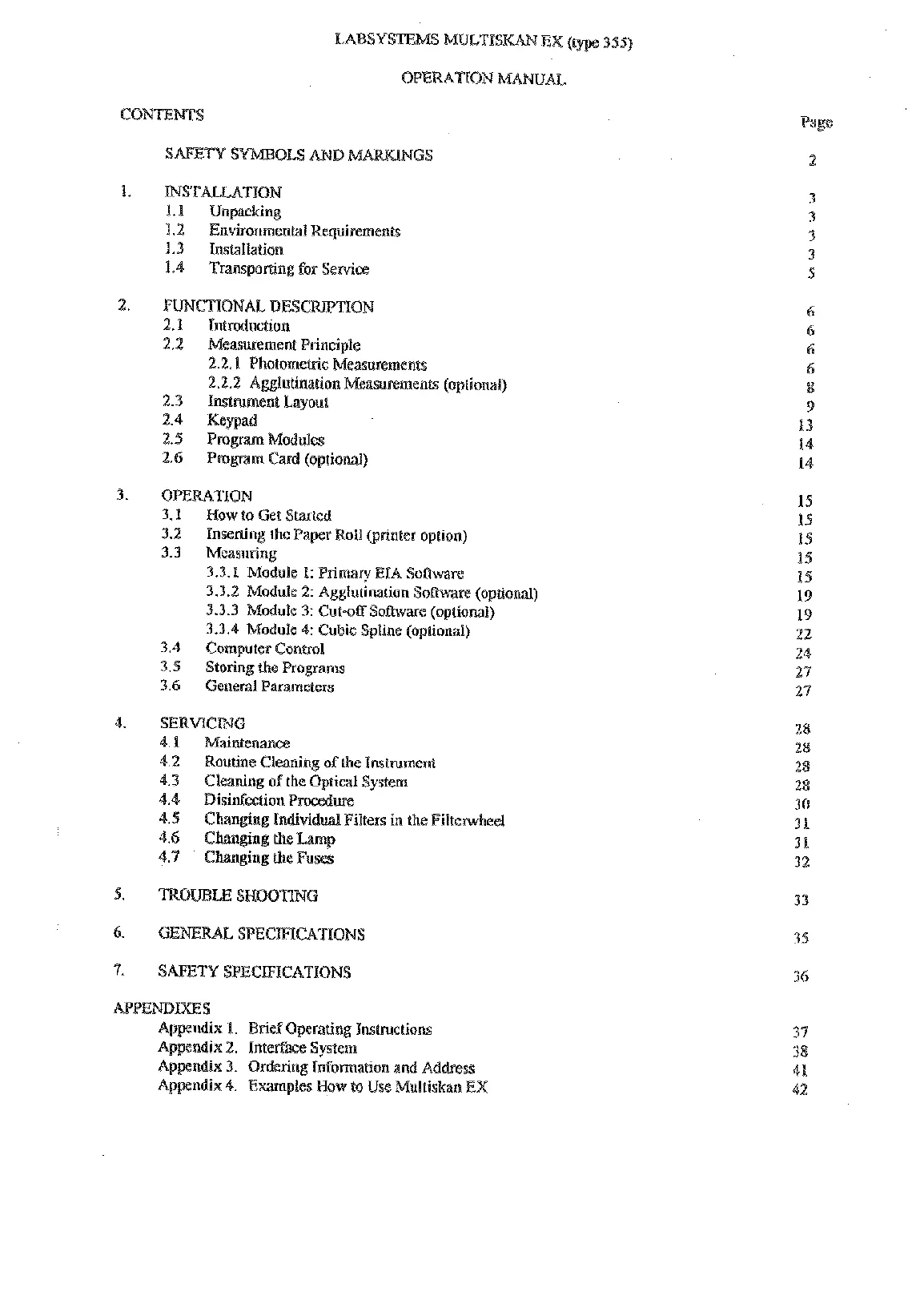
TNSTALLATXON
1.1
Unpacacking
1.2
Environmen(a1 Requirements
1.3
lnslailation
1.4
Transporting for Sewice
FIIMCnONAL DESC
2.1
Introduction
2.2 Measurement Principle
2.2.1 PhotomeLlic Measurements
2.2.2 Agglutination Measurements (optional)
2.3 Instrument Layout
2.4 Keypad
3.1
How to Get
Started
3.2
Inserting the Paper Roll (printer option)
3.3
Measuring
3.3.1
Module
1:
Primary EIA Software
3.3.2
Module 2: Agglutination Software (optional)
3.3.3
Module
3:
Cut-off Sothvare (optional)
3.3.4
Module 4: Cubic Spline (optional)
3.4 Computer Control
3.5
Storing the Programs
3.6
General Parameters
SERVfCTMG
4.1
Maintenance
4.2
Routine Cleaning of the Instrument
4.3
Cleaning of
the
Optical System
4.4 Disinfection Procedure
ng Kndividual Filters in the Filtenvheel
x
1.
Brief Operating Instructions
x
2.
Interface System
x
3.
Ordering lnfoma(ion and Address
Appendix
4.
Examples How to Use Muttiskau
EX
Page
Artisan Technology Group - Quality Instrumentation ... Guaranteed | (888) 88-SOURCE | www.artisantg.com










 To Next Page