User Manual
4.
On/Off of the unit
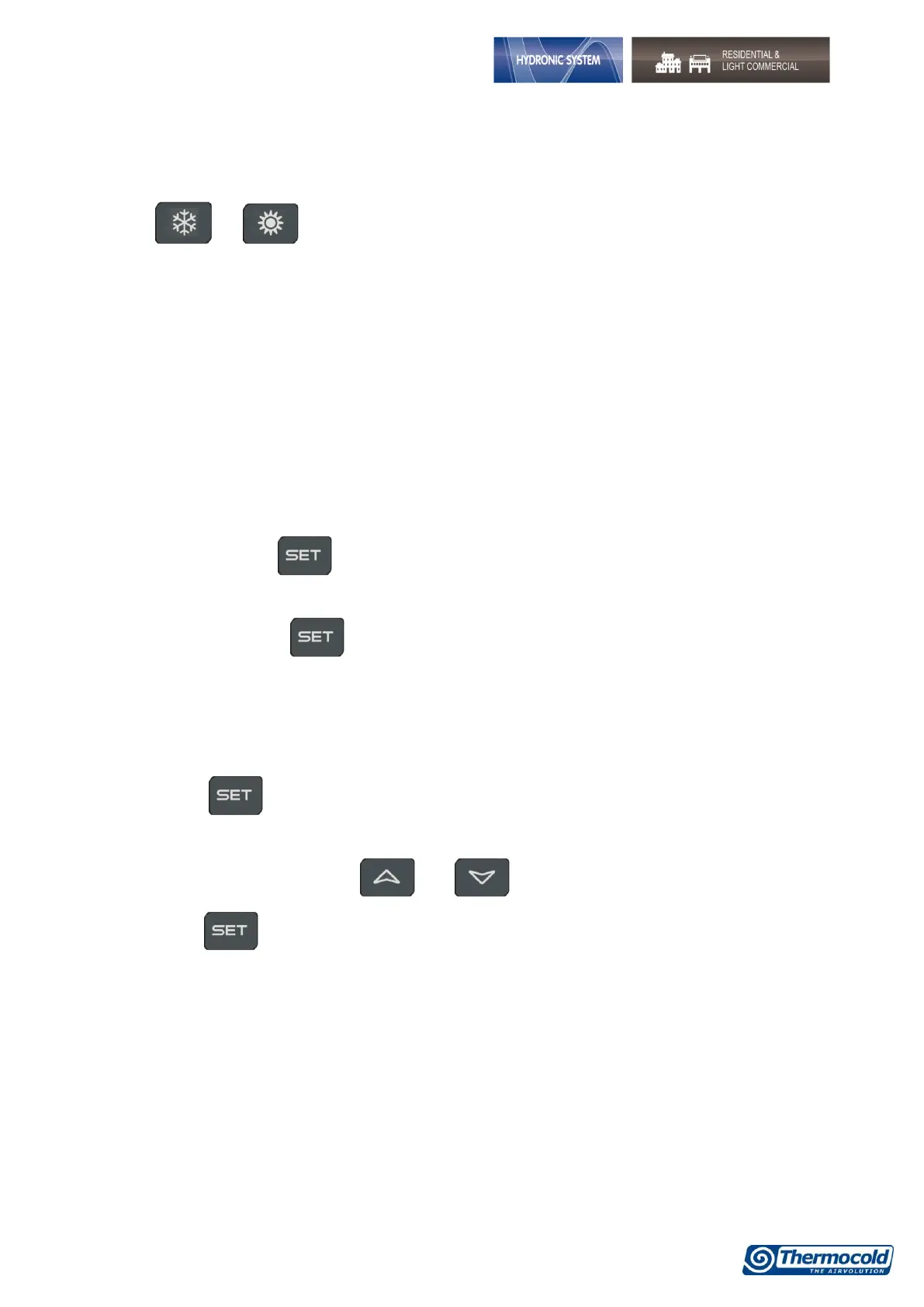
Pressing or for about three seconds it can switch on the machine in chiller or heat pump
mode. During these 3 seconds, the selected mode led flashes.
To change machine mode, for example to pass from chiller to heat pump mode, it must passing to the
standby mode before.
If the controller is on, the extended pressure on the button of the current mode (chiller or heat pump)
forces the machine on standby.
In standby mode, you can still to enter in menu to change the parameters.
Alarm management is enabled also in standby mode; alarms that occur are equally shown.
5.
Set point display
Pressing and releasing the button, it can see the setpoint value, SetC (set chiller) if the machine is
on the chiller mode, or SetH (set heat pump) if the machine is on the heat pump mode.
Pressing and releasing the button when the machine is on the standby mode, it is possible to
display both set points.
6.
Set point editing
1. Press the key at least for 3 sec;
2. The set point will display blinking;
3. To modify set point value, press and ;
4. Press the key, or wait the timeout to save the new value and to quit from programming;


 To Next Page