8
Connect Your PC to the Reader
These instructions are for directly connecting your computer to the reader. For instructions on
connecting the reader to a network, see the section Networking the Reader
on page 14.
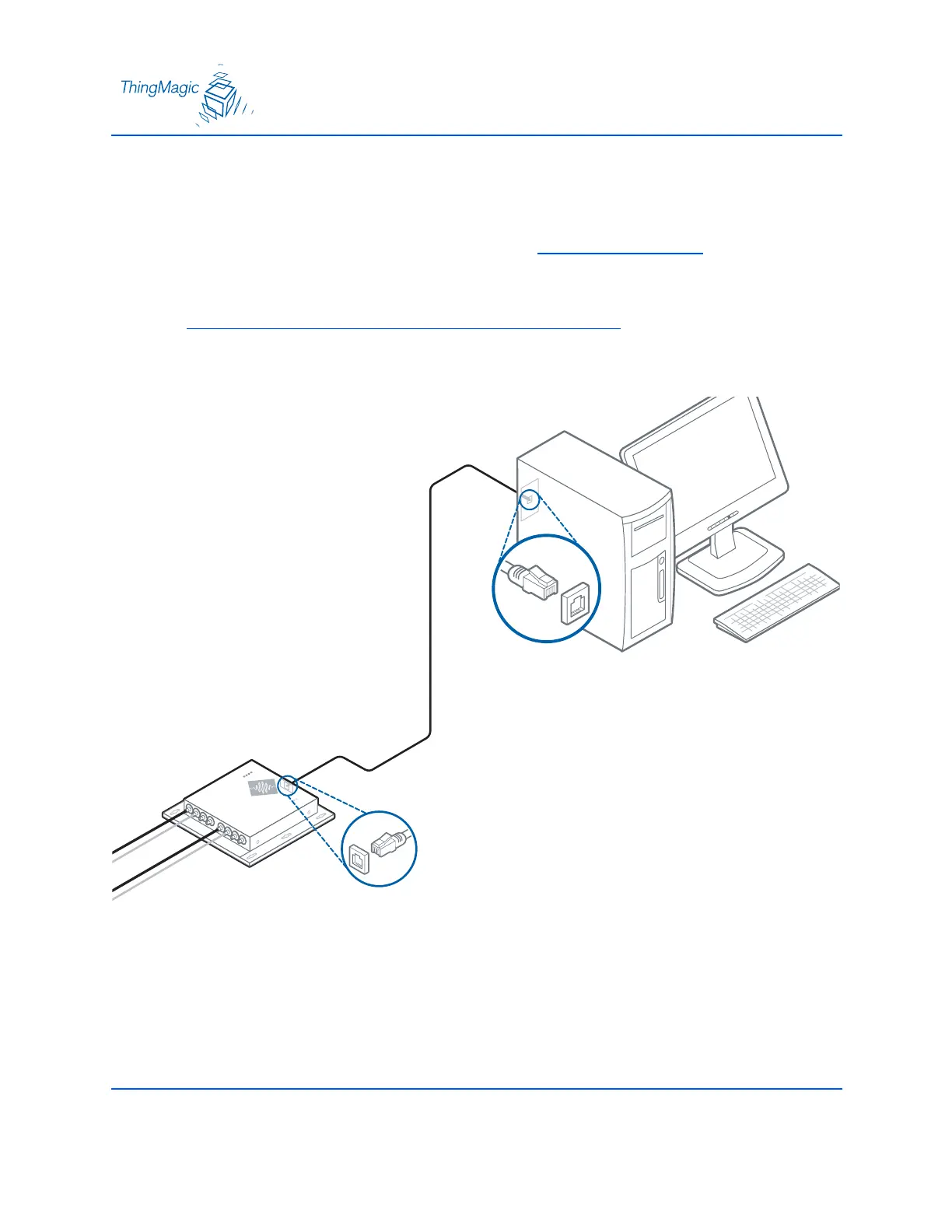
1. Connect the enclosed shielded Ethernet crossover cable to your PC and to the reader.
Note
Straight-through shielded Ethernet cables are fine for connecting the reader to a
network.
The reader is now ready for operation.
ethernet port
ethernet port
crossover cable


 To Next Page