5
Power-Up the Reader
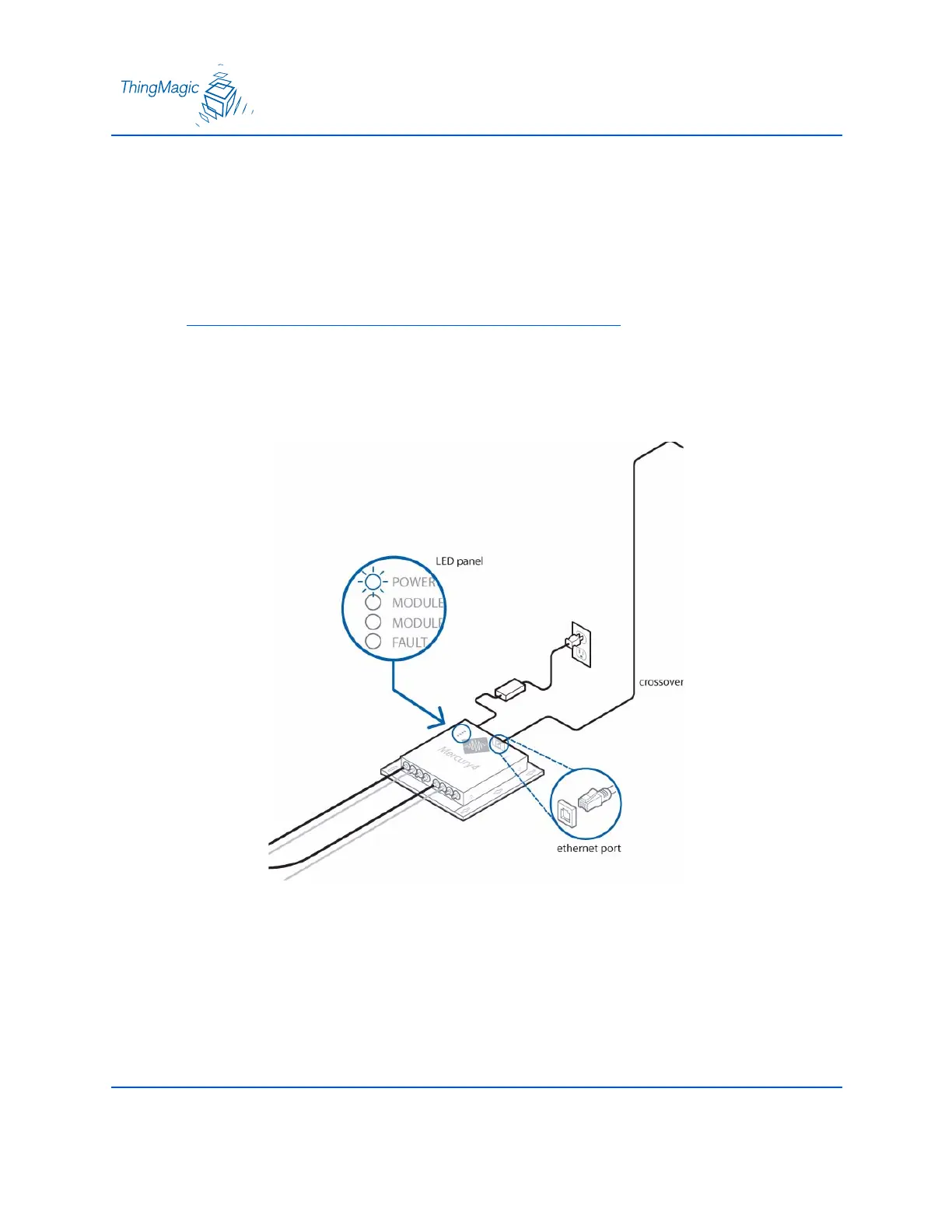
1. Plug the power supply into the reader’s power port. DC power input connector.
2. Connect the extension cord to the power supply and plug it into a 100-240VAC power
outlet. The reader will immediately begin powering up.
Note
There is no on/off switch on the reader.
3. While the reader is powering up, the power LED is be solid green. After approximately
60 seconds, the power LED will begin to pulse. The reader is now ready for operation.
Powering Up the Reader


 To Next Page