12
Log On to Reader
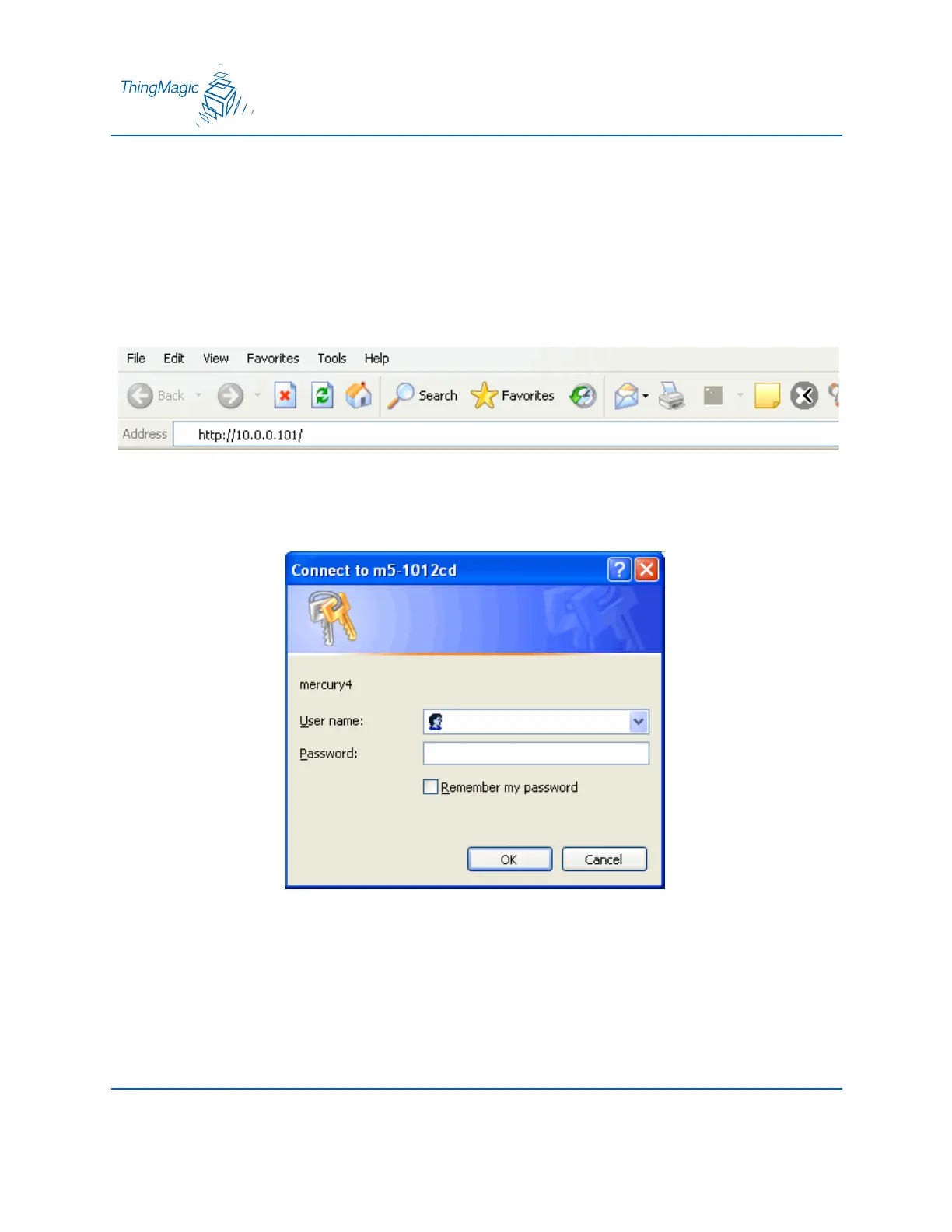
You may use any java-enabled web browser to log on to the reader.
Use the following steps to logon to the reader:
1. Launch your web browser and log on to the reader by entering the reader’s default IP
address of http://10.0.0.101/ in the address bar and pressing ENTER.
2. The log on dialog screen appears.
3. Enter the default User name: “web” and Password: “radio” (all lower-case). Click OK.


 To Next Page