15
DHCP
To enable automatic assigning of your PC’s IP address by DHCP, use the following steps.
1. From the Start bar, select Start → Control Panel.
2. Double click the Network Connections icon.
3. Disable your PC’s wireless connection, if one exists.
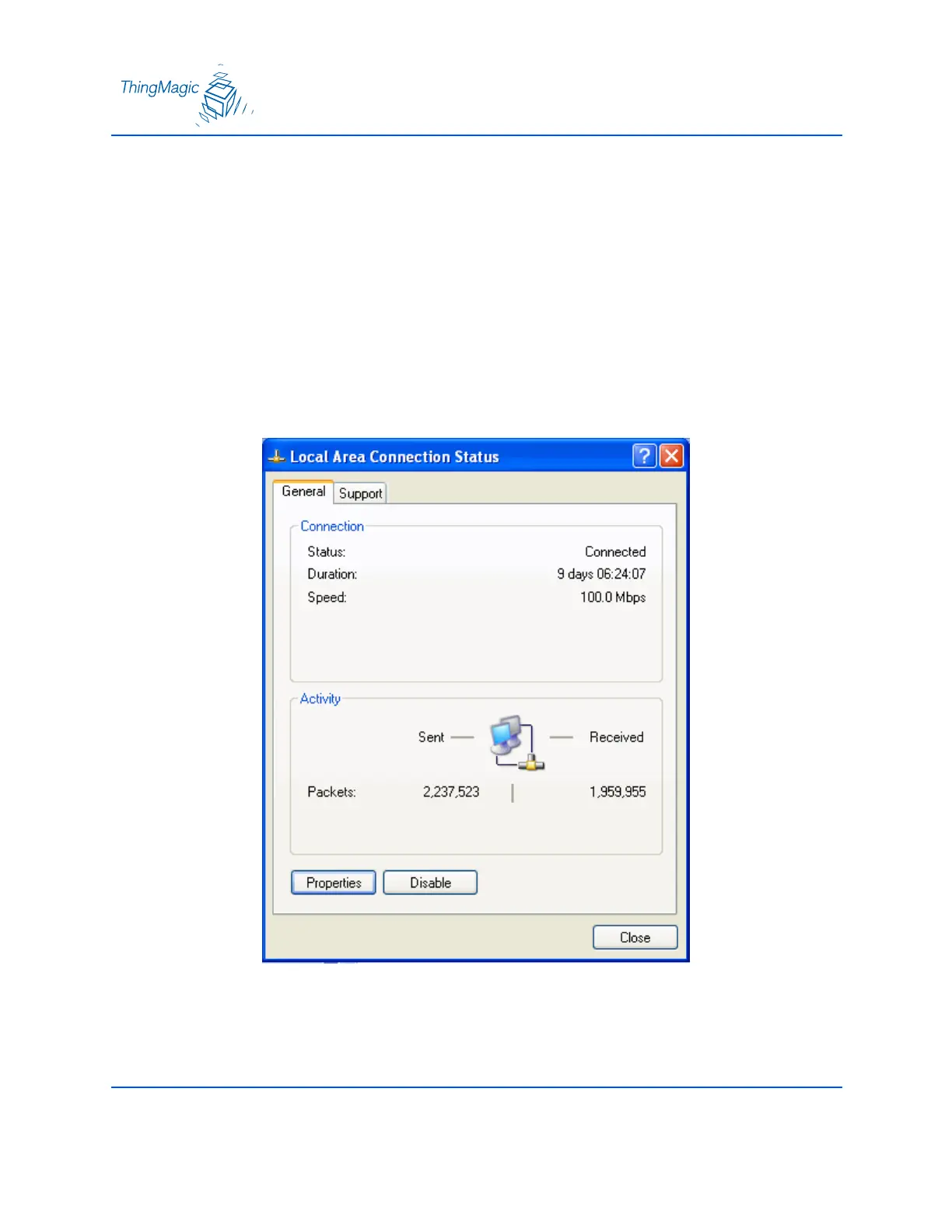
4. Double click the Local Area Connection icon.
5. The local area Connection Status window appears.


 To Next Page