24
To start the browser-based interface:
1. Exit all reader applications on the network.
Note
Running another reader application while using the browser-based interface may
cause a reader error. If this happens, reboot the reader or restart it using the
browser-based interface.
2. Start a Java-enabled web browser from any network-enabled PC.
3. Type the IP address of the reader to which you want to communicate in the address
field of the browser or use Apple’s Bonjour
™ protocol to browse to it.
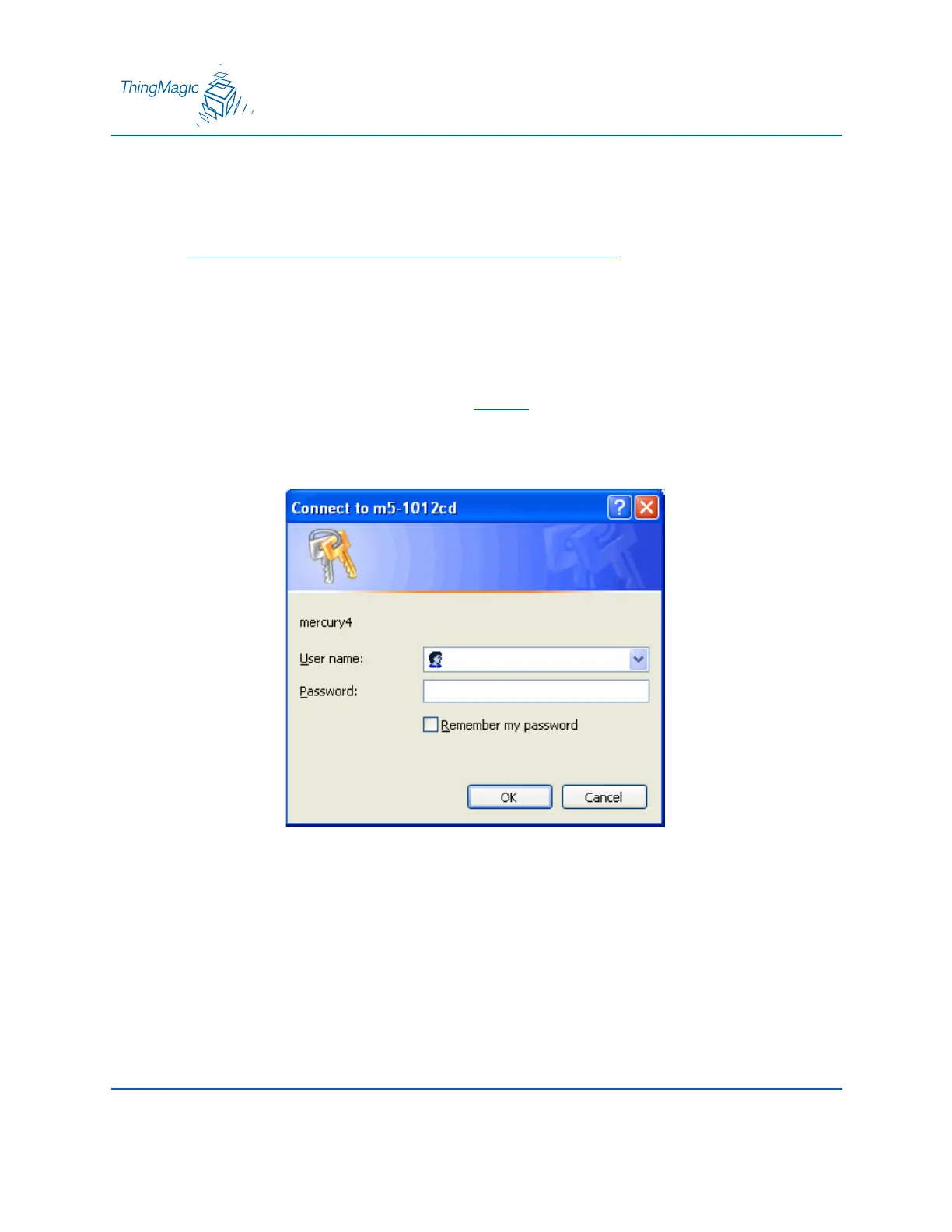
4. A log-in dialog appears. Enter the factory-installed User name: “web” and Password:
“radio” (all lower-case). Click OK.


 To Next Page