www.mythinkcar.com
THINKTOOL Pros+/Pro
10
2.4 Parameters
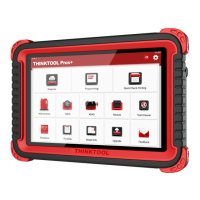
THINKTOOL Pros+ host computer
• Operating System: Android 10.0
• Memory: 4G
• Storage: 128G(Pros+) / 64G(Pros)
• Battery: 6000mAh/7.6V
• Screen: 10 inches
• Camera: Rear camera 8.0MP
• Network: Wi-Fi, WLAN 802.11b/g/n
• Bluetooth: Bluetooth 5.0
• Working Temperature: 32
˭
~122
˭
0
˫
~ 50
˫
• Storage Temperature: -4
˭
~140
˭
(-20
˫
~ 60
˫
3. Begin to Use
Diagnostic function, coverage more than 100 car brands, support intelligent diagnosis and traditional
diagnosis, including OBD II full-function diagnosis, full-system diagnosis including: read fault code, clear
fault code, read real-time data stream, special function, actuation test. A diagnosis report can be generated
after the diagnosis.
3.1 Intelligent Diagnose
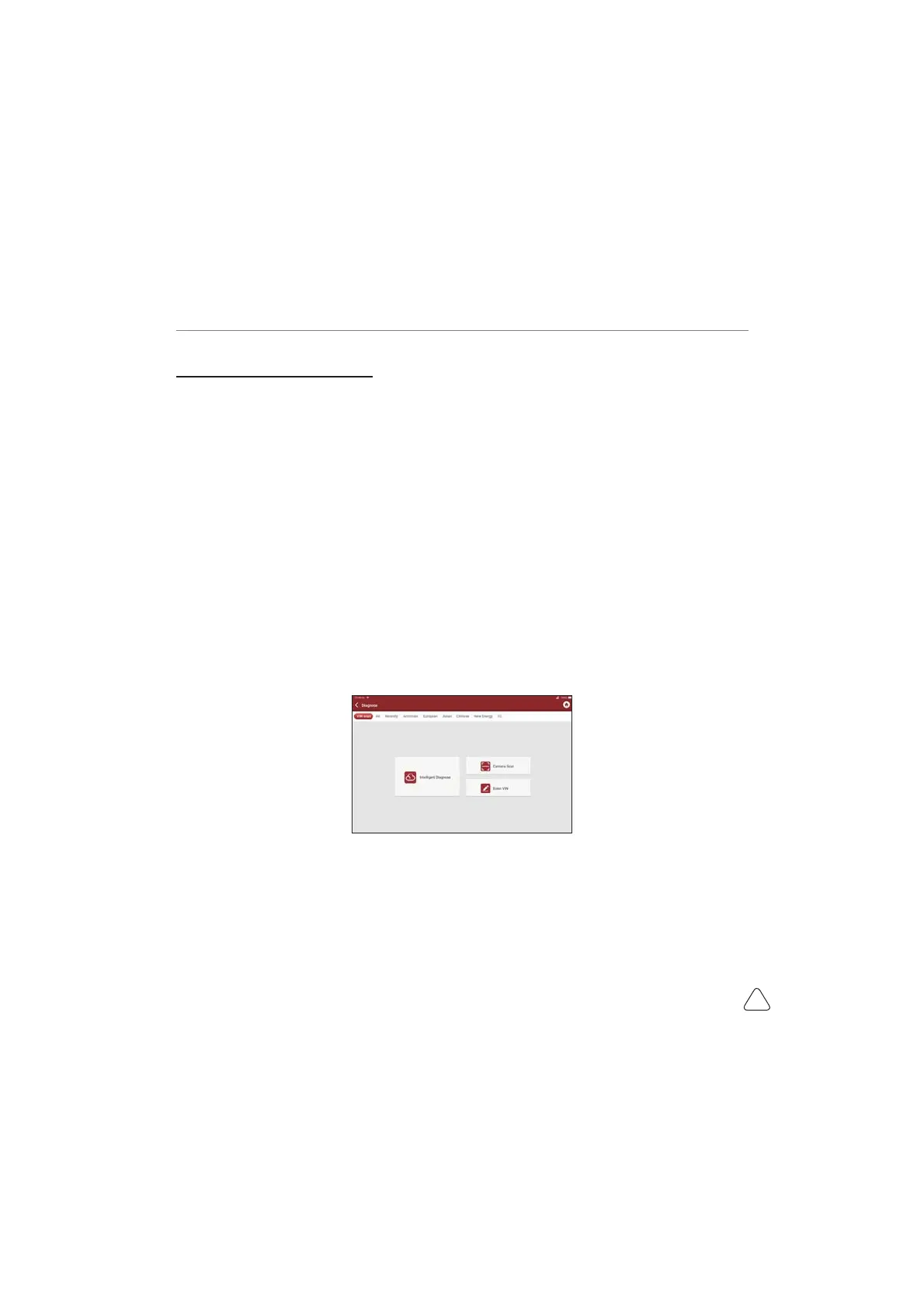
&RQQHFWWKHYHKLFOH¿UVWFOLFN'LDJQRVLVRQWKHPDLQLQWHUIDFHDQGWDS,QWHOOLJHQW'LDJQRVHWKHWRRO
will start the smart diagnosis program and automatically read the vehicle VIN, as shown in below:
If the device failed to access the VIN information, please use “Local Diagnose”



 To Next Page