Set up your smart soil moisture sensor.
When inserting the sensor into the soil to be measured, align the sen-
sor’s marking line with the soil surface to ensure measurement accuracy.
Create an automation or water the plant manually based on your obser-
vation of specific plant and soil situation, to start irrigation of certain
period of time when soil moisture falls below certain value.
Note: Check multiple moisture values during certain period of time
before and after irrigation, to ensure accurate soil moisture data when
creating irrigation automation.
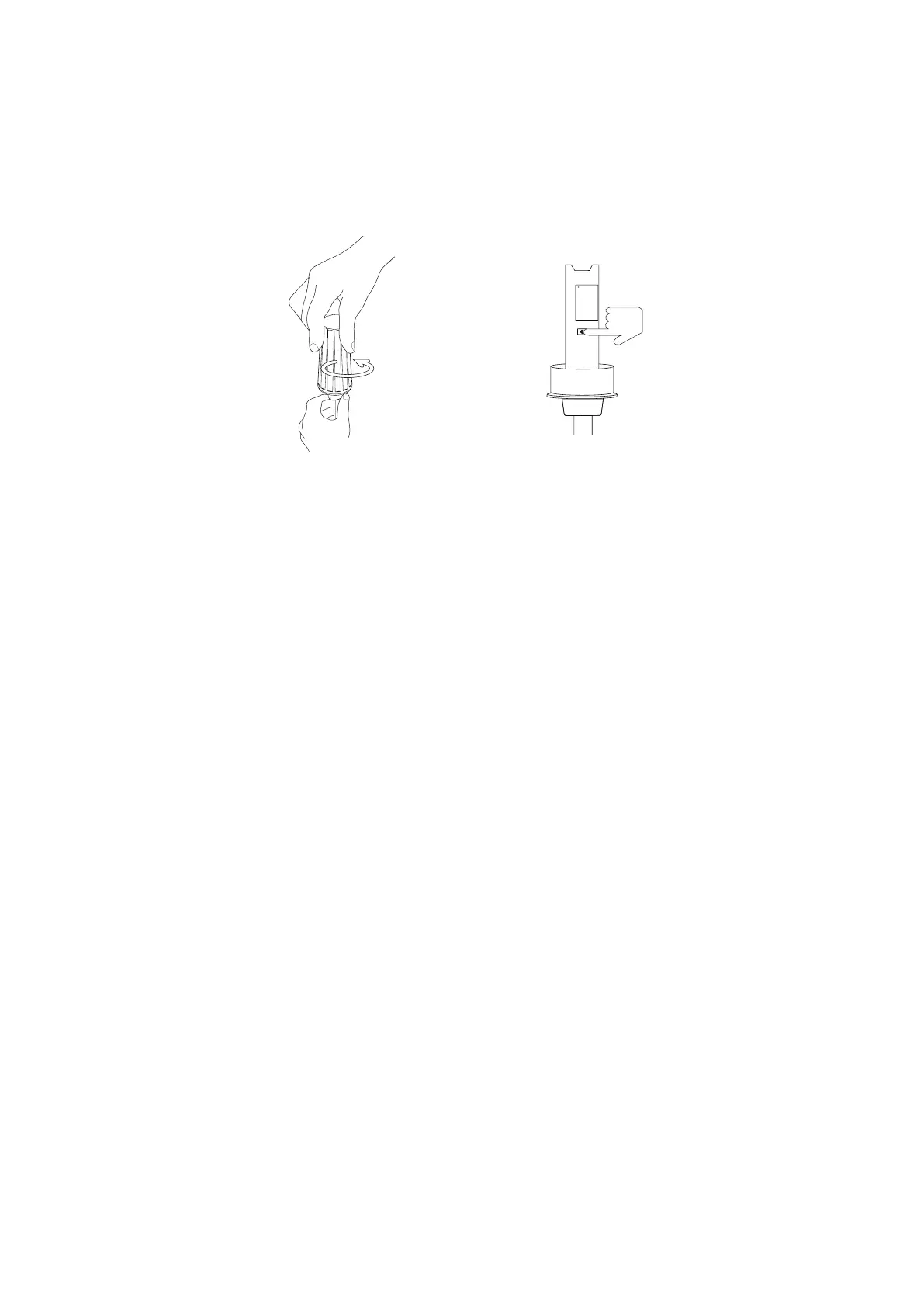
Open the battery cover. Remove the battery insulation tab and
install the battery.
Press and hold the reset button for 5 seconds until the LED light
turns red, release the reset button and the LED starts blue blinking,
indicating it enters Zigbee pairing mode.
Follow the instructions of your smart home hub /smart speaker
with built-in Zigbee hub to pair the sensor in the corresponding
app.
Setup
How to Use
1.
2.
3.
03
OPEN



 To Next Page