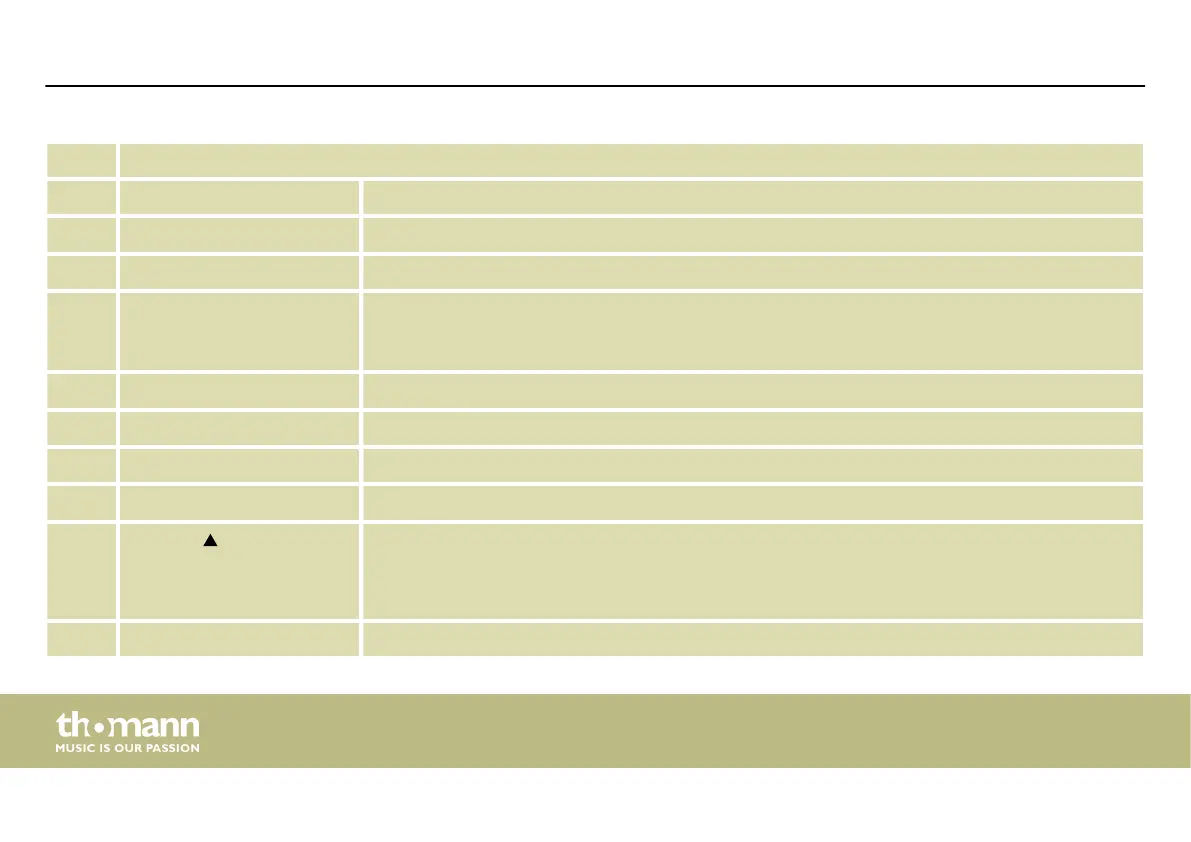
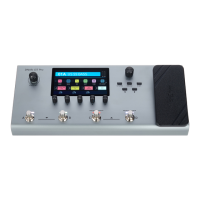
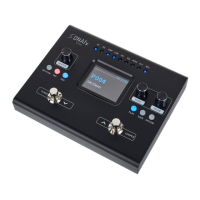
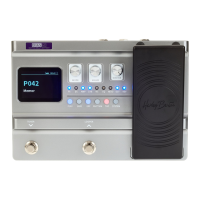
1 Display
2 [MODE] Rotary control for switching on and o the respective eect modules.
3 [VALUE] Rotary control to change the menu pages and to change parameters.
4 [MASTER] Rotary control to adjust the overall volume.
5 [FX], [DS], [AMP], [CAB],
[NS], [EQ], [MOD], [DLY],
[REV]
LED indicator light for eects
The active eect blocks in the eects chain for the currently set preset light up.
6 Expression pedal
7 [SYSTEM] Button to call up the system settings
8 [TAP] Button to call up the tab tempo settings
9 [RHYTHM] Button to call up the conguration of Drums and Metronome
10
[LOOPER]
Footswitch to activate the looper
n Hold down the footswitch to activate the looper.
n With the looper activated: Press the footswitch to activate the STOP / CLEAR function.
11 [EXP] Button to call up the conguration of the expression pedal
Connections and operating elements
multi eects unit
26


 To Next Page