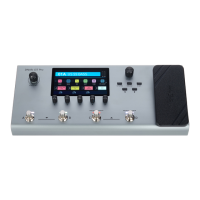
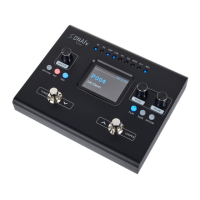
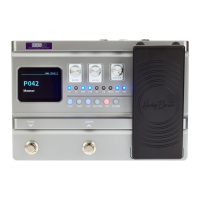
1. Press [EXP].
ð
The menu for setting the expression pedal is called up.
2. Press [VALUE] until the display shows ‘EXP VOL’ .
3. Press [VALUE].
ð
The display shows ‘EXP VOL PEDAL: ON’ .
4. Turn [VALUE] to select the desired value for the volume from ‘MIN 000’ to ‘MST 100’ .
5. Press [VALUE].
ð
The setting is conrmed.
1. Press [EXP].
ð
The menu for setting the expression pedal is called up.
2. Press [VALUE] until the display shows ‘FUNCTION’ .
Setting the volume of the
expression pedal
Setting the Wah eect
Operating
multi eects unit
38


 To Next Page