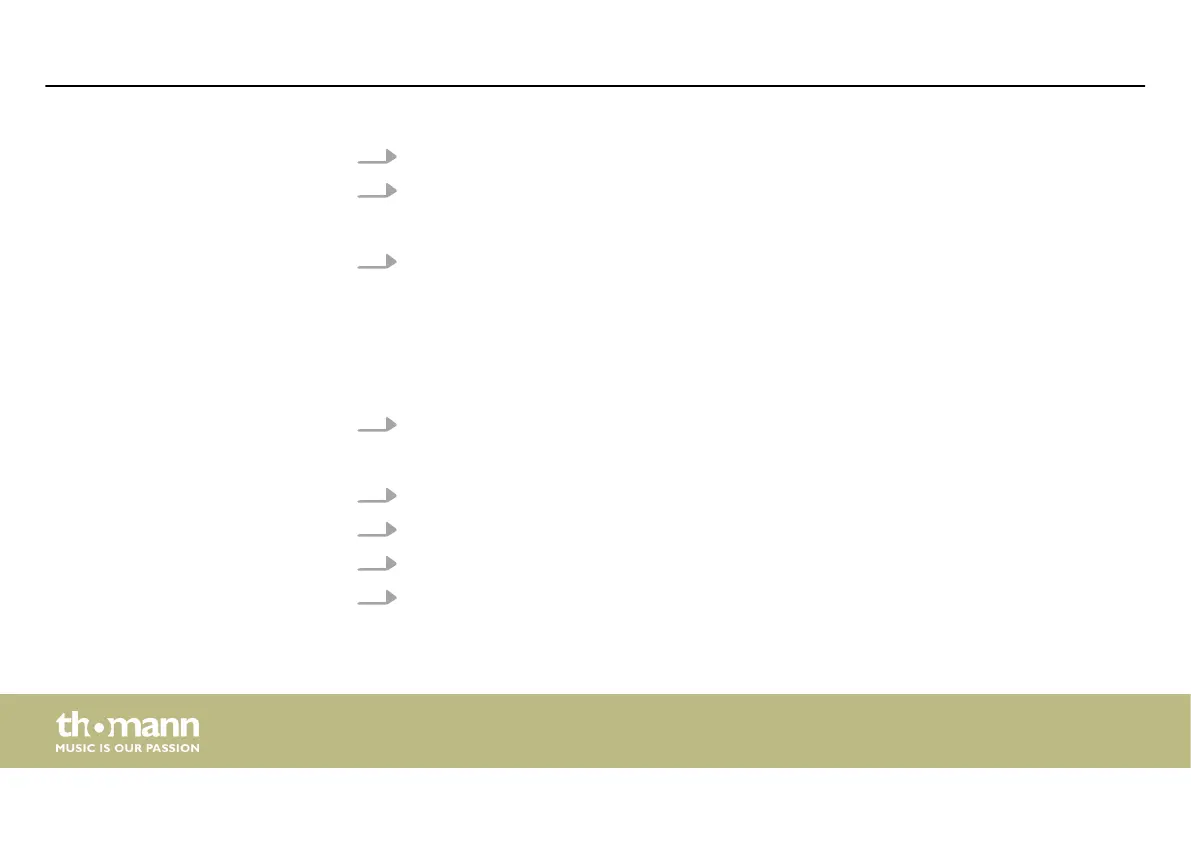
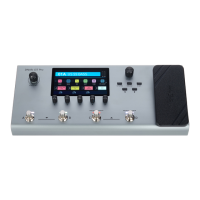
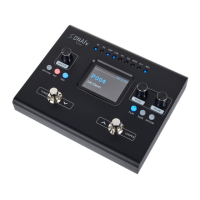
2. Press [VALUE] until the display shows ‘Level/Volume/MST’ .
3. Press [VALUE].
ð
The set value is applied.
4. Press the expression pedal.
ð
The expression pedal is activated. The LED [EXP] lights up.
1. Press [EXP].
ð
The menu for setting the expression pedal is called up.
2. Press [VALUE] until the display shows ‘FUNCTION’ .
3. Press [VALUE].
4. Turn [VALUE] to select the desired parameter you want to set.
5. Press the expression pedal.
ð
The set parameter is activated.
Calling up the expression pedal
settings
Operating
multi eects unit
36


 To Next Page