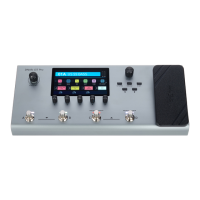
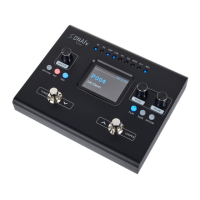
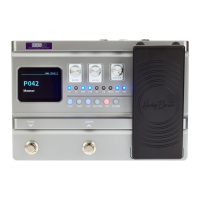
1. Press [EXP].
ð
The menu for setting the expression pedal is called up.
2. Lower the Expression Pedal to the rear and press [VALUE].
ð
The setting is conrmed.
3. Lower the Expression Pedal to the front and press [VALUE].
ð
The setting is conrmed.
4. Lower the Expression Pedal forwards and apply pressure to the front. Simultaneously
press [VALUE].
ð
The sensitivity of the expression pedal for forward pressure printing is set.
5. Press [SAVE] to save the settings.
Calibrating the expression
pedal
Operating
DNAfx GiT
37


 To Next Page