4 SpeedTouch™ for Mac OS
3EC 36714 BAAA TCZZA Ed. 02
27
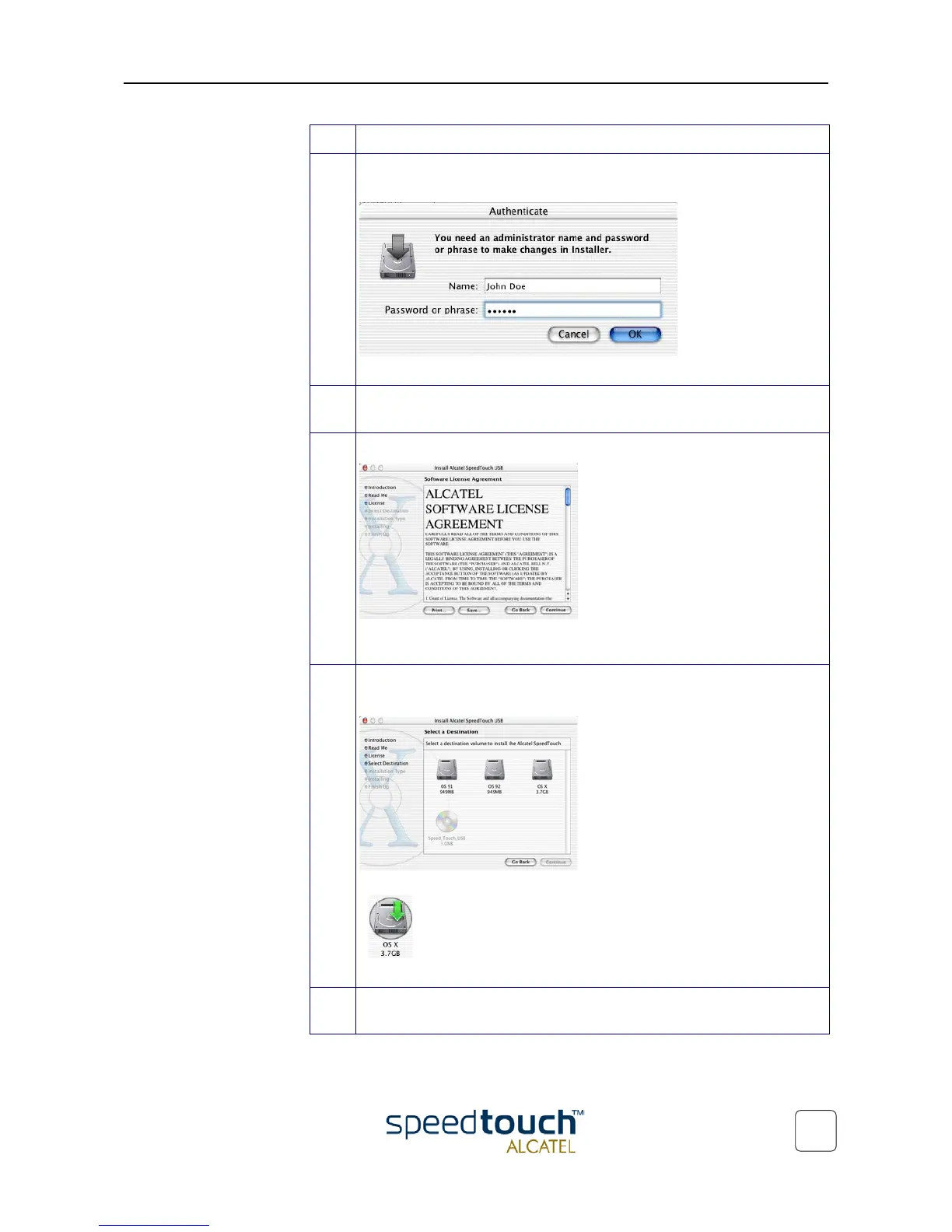
5 In case an Administrator password was set, you must provide it before the
Installer is able to continue with the SpeedTouch™ installation:
Provide Name and Password or Phrase and click OK to proceed.
6 A Welcome and Readme screen subsequently pops up. Click each time
Continue to proceed.
7 The Software License Agreement screen pops up:
You must agree to it before you are able to continue. Click Continue and
Agree to proceed.
8 The following screen allows you to select a destination volume to install the
SpeedTouch™:
Select a destination. Your selection will be highlighted by a green arrow:
.
Click Continue to proceed.
9 The Installer has now all information to continue with the installation. Click
Install to start the installation.
Step Action



 To Next Page