12
6. Initial Setup
For the rst initial setup, in-screen setup wizard will guide you through setting up your TV. Please follow the
guide to setup your TV correctly.
6.1. Language selection
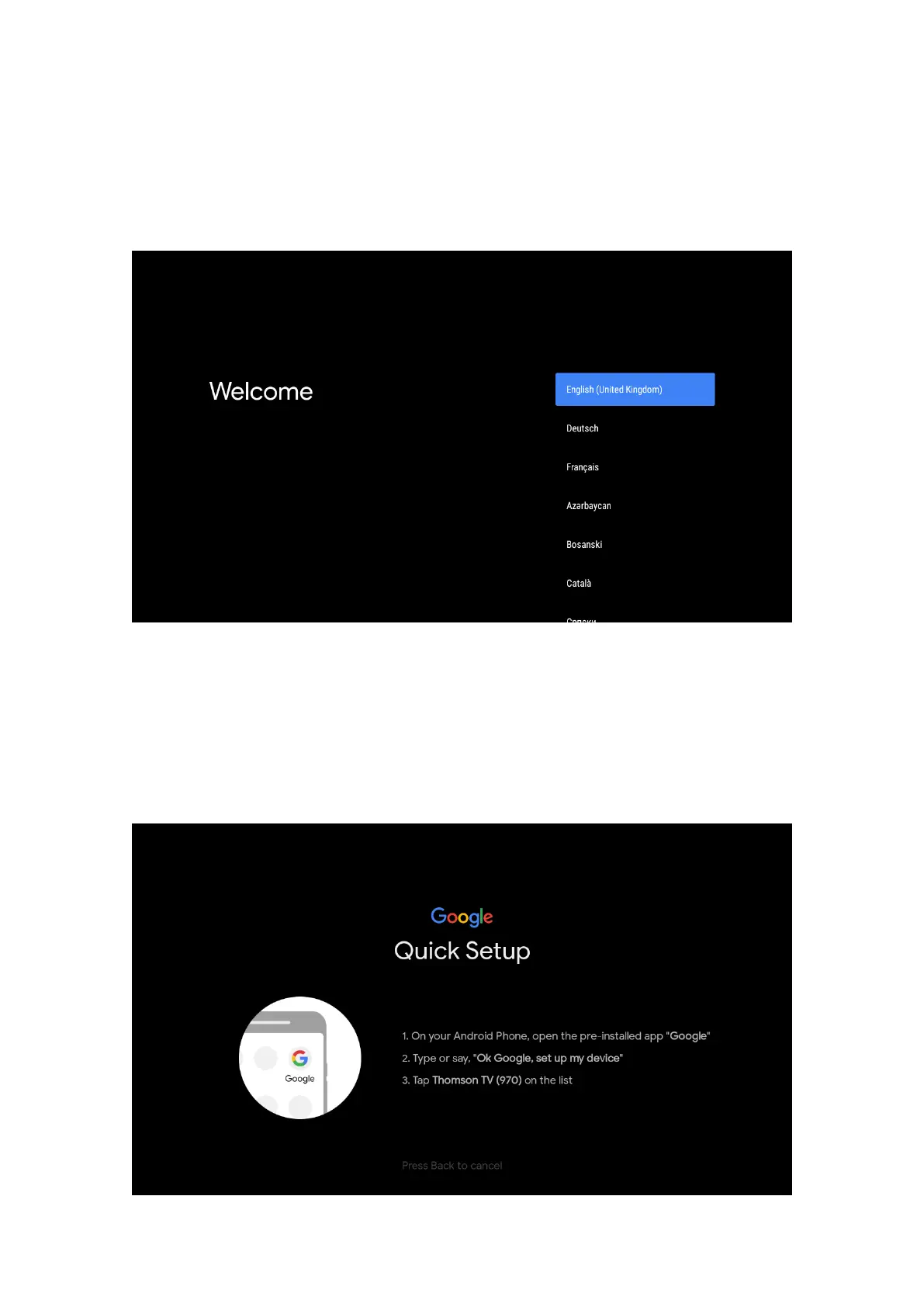
Use the up/down buttons to select the system language, then press OK to conrm.
6.2. Quickly set up your TV with your Android TV phone
To connect your Android Smartphone to your TV. Select “Continue”.
• On your Android Phone, open the pre-installed app “Google”
• Type or say “Ok Google, set up my desive”
• Tab the model name on the list
• Note: Press “BACK” to cancel. If you just want to use your TV normally, please select “Skip”.



 To Next Page