8
3. TV buttons and connections
Caution:
If you want to connect a device to the TV, make sure that both the TV and the device are turned o
before making any connection. After the connection is done, you can turn on the units and use them.
Do not touch or be close to the HDMI, USB terminals, and prevent electrostatic discharge to disturb
these terminals while in USB operation mode, or it will cause the TV to stop working or abnormal
status.
Note:
The actual position and arrangement of ports may be dierent from model to model.
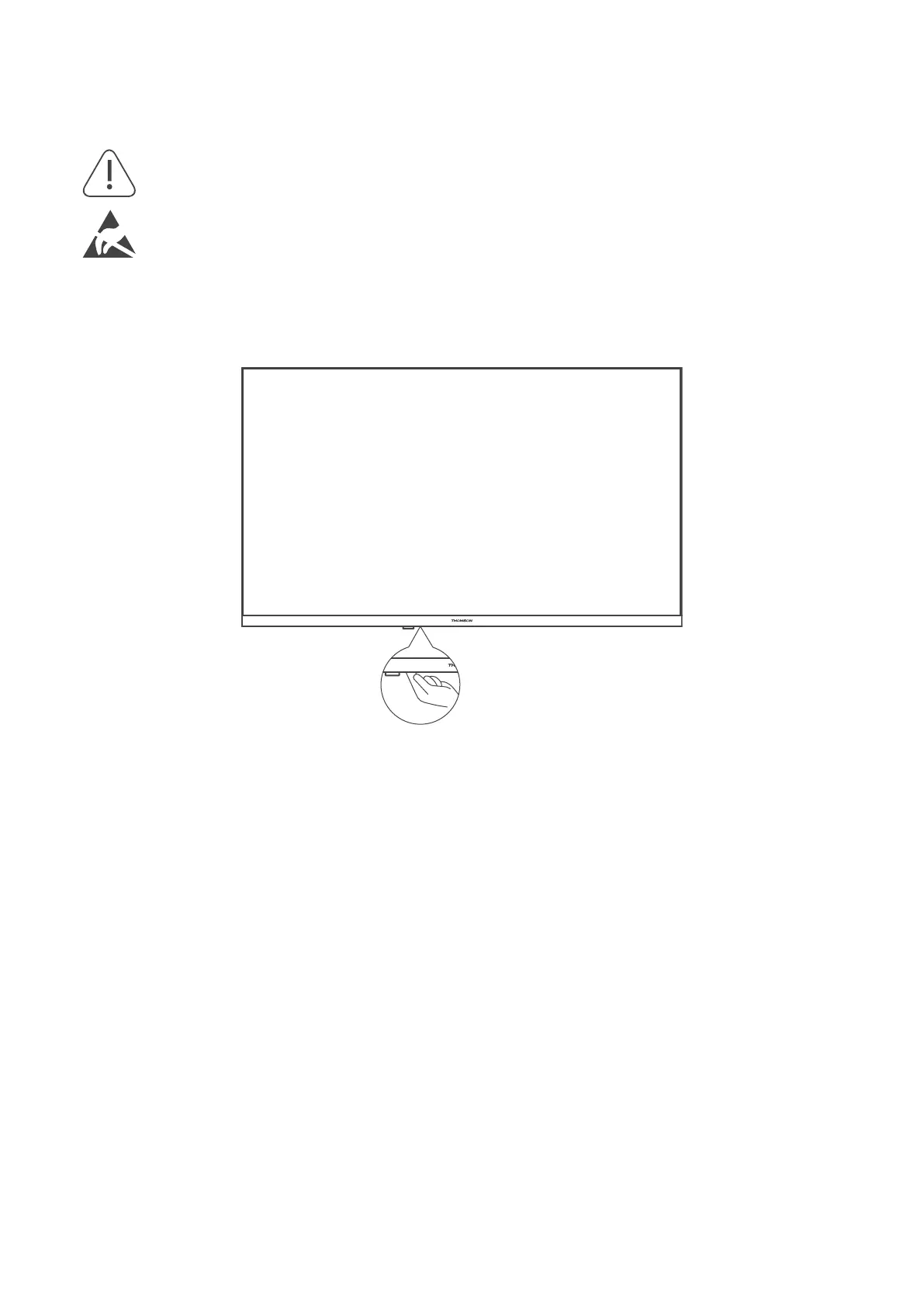
3.1. TV Button
Press this button in standby mode to turn on / o the TV



 To Next Page