Operating Your Receiver
EN
13
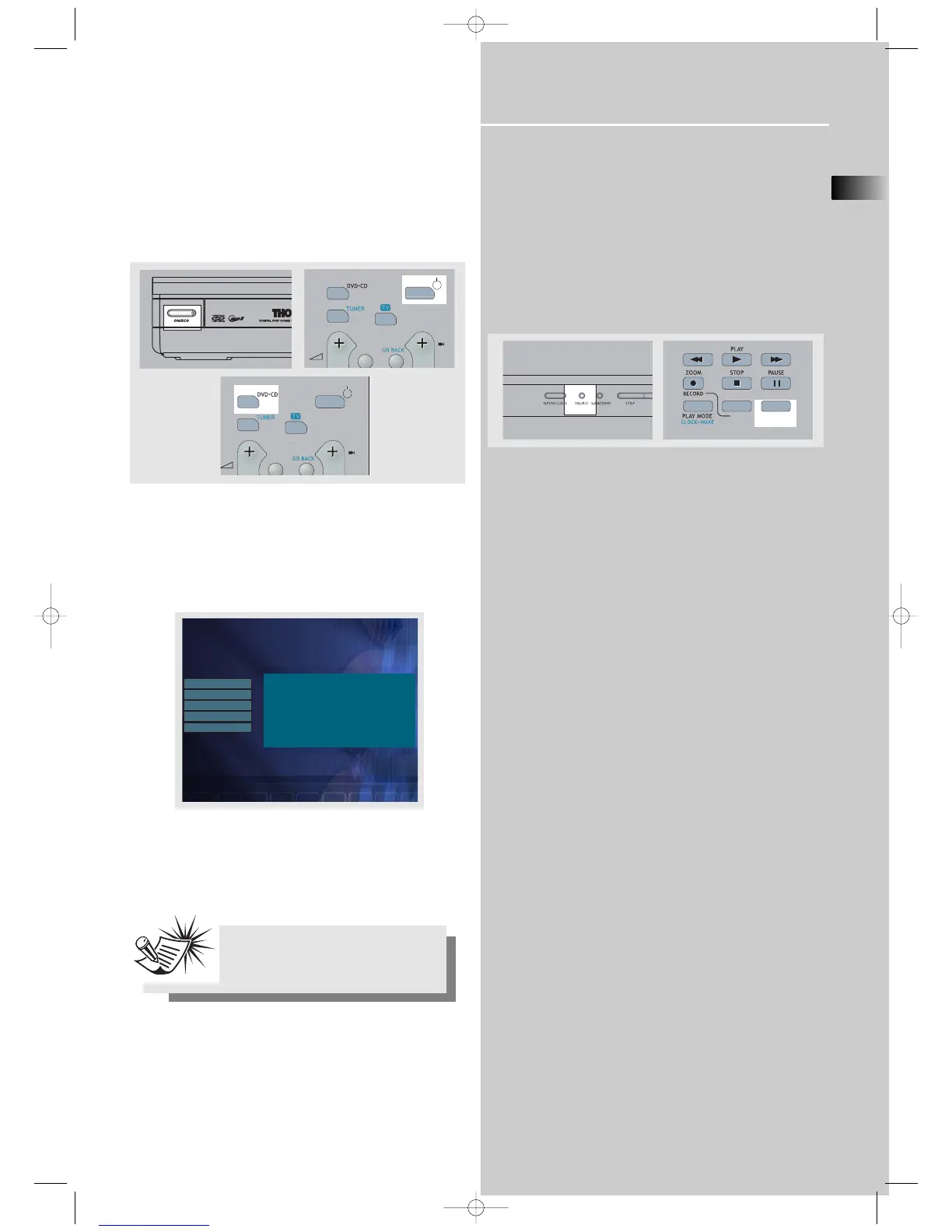
Switching on /off
• To switch on the receiver, press ON/ECO on the receiver
once to wake up from standby mode. Press one of the
source buttons or ON/OFF on the remote control to turn on
the receiver.
• When the receiver is on, press ON/OFF on the remote or
ON/ECO on the receiver to return to the standby mode.
When you turn up the unit for the first time:
1. A startup menu will show on the screen when you turn
on the unit for the first time.
2. Use UP/DOWN to highlight the language you want, then
press OK.
3. The chosen language will be your default menu lan-
guage.
Selection of Audio source
When one of the audio source is selected, the audio input
corresponding to the name will be activated.
The receiver acts as a switching device between all the
sources that are plugged into it.
Example 1:
If you connect a MD player to the AUX 1 input on the
receiver and press SOURCE until “AUX 1” shows on the
display. You will be able to have the signal from the MD
player.



 To Next Page