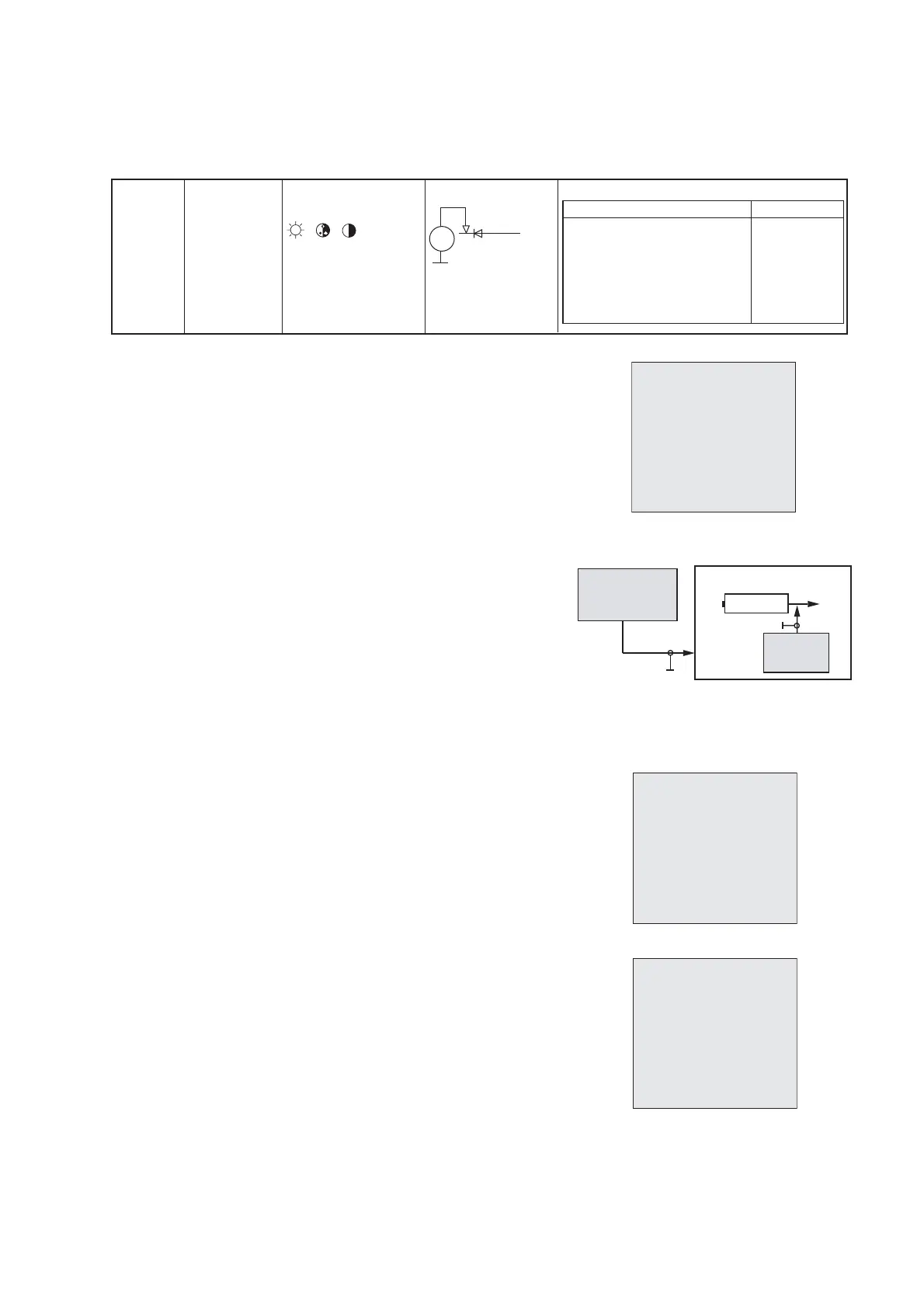
Notes: - Alignment should be done after 3 minutes warm up of TV .
3.1. B+ VOLTAGES
3.2. RF AGC
3.2.1. Method 1
1) Input 60dB PAL BG , with half-Color Bar signal
2) Press key "2" to enter page 2 of factory mode (Fig.1)
3) Select RF AGC with " up " or " down " key. .
4) Press "ZOOM- "(left) and " ZOOM+ " (light) key
until the hint display just change from "Inactive" to
"active".)
5) Adjust AGCL for SECAM L /L' same as the PAL.
3.2.2. Method 2
1) Apply RF signal of 210.25MHz (BG CH 10) modulated
with color bar at 3mVrmx to Tuner input
2) Tune to CH10
3) Go to factory mode, entry page 2 (Fig.1) & set
"RF AGC" to 00 (max IF output).
4) Monitor 38.9MHz IF frequency response at Tuner
pin11 with spectrum analyzer by using high impedance
probe or equivalent.
5) Increase RF AGC control until IF frequency response
8 +1/-2 d B down from maximum.
3.3. CRYSTAL OSCILLATOR FREQUENCY
Notes: - If TV had NICAM function, we recommend to adjust crystal with NICAM.
3.3.1. Crystal oscillator frequency adjustment with NICAM
a) Apply PAL BG NICAM signal with good reception quality.
b) Enter factory mode, press "Vol -"(FORMAT) key ,
it will display " DCXOAUTO " , (Fig.2) then press "ZOOM+" (light)
key to start auto adjust , when it displays "DCXOAUTO OK" ,
the adjust is finished .
3.3.2. Crystal oscillator frequency adjustment without NICAM
( for software with UOC3 TDA12070/12072 only )
a) Input PAL color bar signal.
b) Enter factory mode, press "Vol -"(FORMAT) key ,
it will display " DCXOAUTO " , then press "ZOOM+"
(light) key to start auto adjust , when it displays "DCXOAUTO OK" ,
the adjust is finished .
3.3.3. Crystal oscillator frequency adjustment without NICAM
a) Input PAL color bar signal.
b) In factory mode, press "0" to entry page 0 , (Fig.3).
Adjust "DCXO CAP" until display " DISC " is steady at 128.
III - ALIGNMENT PROCEDURE





 To Next Page