EN - 37
mythomson.com
First start of your device
During the rst boot, the Windows® 10 operating system will guide you
through the conguration steps.
Once these conguration steps are completed, the system completes the
installation and applies your customized settings. Do not turn off the unit and
ensure that there is sufcient battery power during this step.
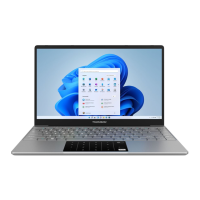
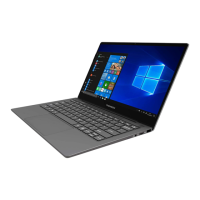
The Windows® 10 home screen appears after installation and conguration
is complete.
Note :
If you want to restore the factory conguration or reinstall your operating system,
we recommend using the Windows Reset function. For this reason,
1. Open the start menu and choose «Settings».
2. Select «Update and Update and Security» then «Recovery» from the Right menu.
3. Click on the «Start» button in the «Reset this PC» section.
4. Let us guide you.



 To Next Page