EN - 47
mythomson.com
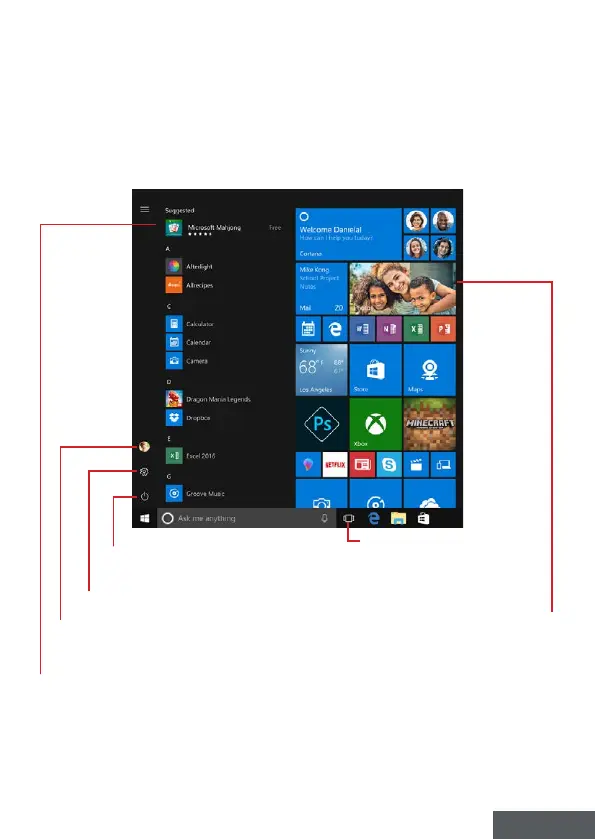
Presentation of the Start Menu
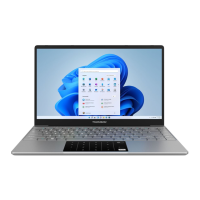
Note : The interface may vary by country, model or version of Windows® 10
The Start menu is the entry point for your device. It allows you to access
applications, folders and settings.
Displays applications
running at runtime
Stop, Restart or Sleep your device
Allows you to open the parameters
Allows you to log out, lock the user session
or change account settings
Displays your favorite
applications as tiles for quick
and easy access.
Note : To display an item as a tile,
right-click on it and select the «Pin to
Start Menu» option.
To remove a tile, right-click on it and
select the option: «Detach from the
start menu».
The applications installed on your device are
listed here.
Note : To open an application, move the mouse pointer
over it and click to open it.



 To Next Page