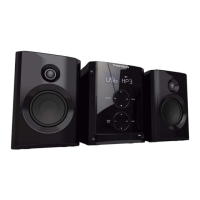
MICRO SYSTEM
MIC200
USING
Comment: Before rst use, remove the protective cardboard
insert on the lens located in the CD compartment .
Move the compartment door with care.
Playing a CD:
• Open the CD compartment door and insert a CD
(printed side up).
• Close the CD compartment by hand.
• Turn the appliance on by pressing q button and press
to select “CD” mode.
• Adjust the volume using the keys and
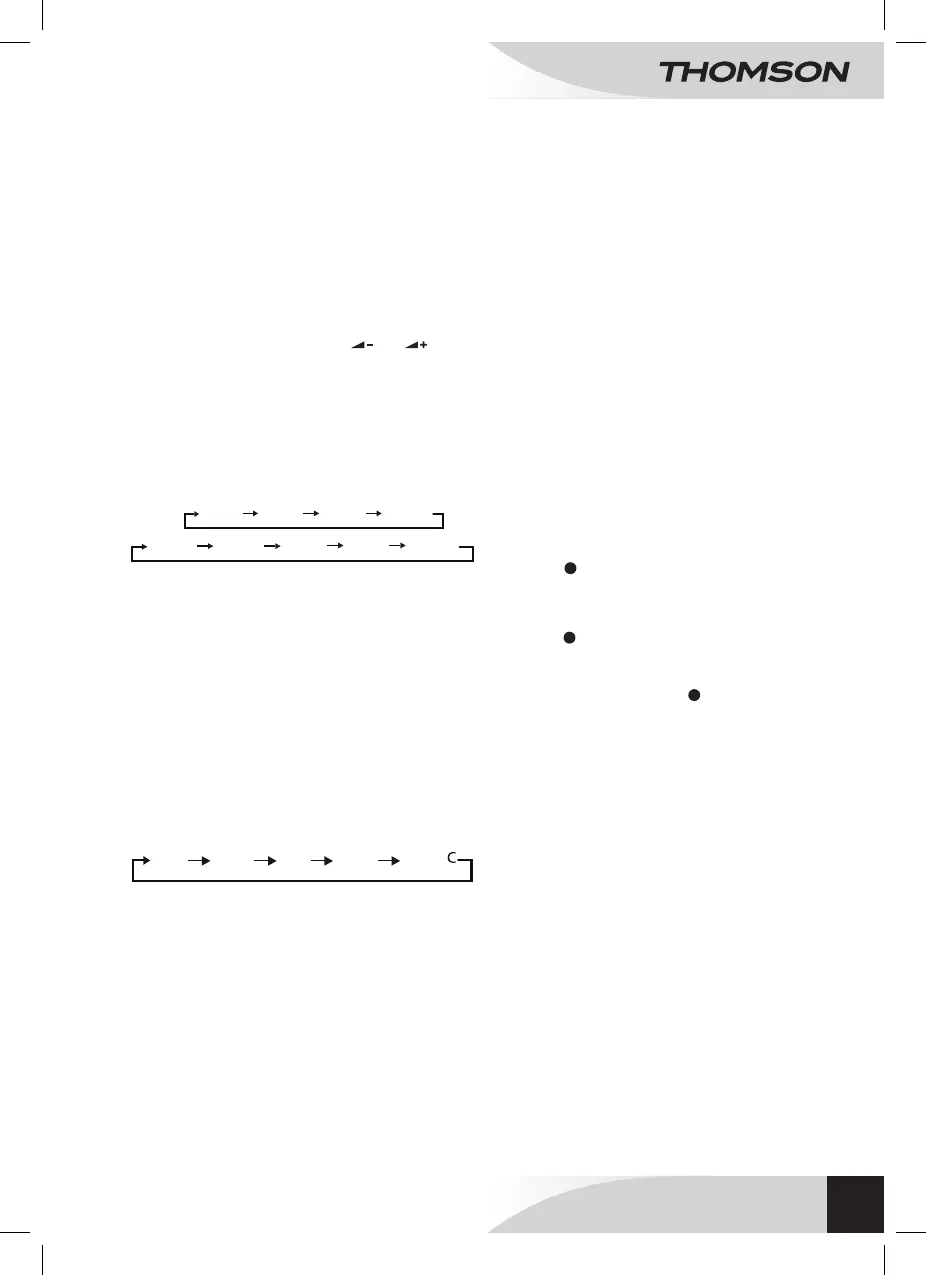
During playback, press orseveral
times.
• : stops repeat.
• : repeats one track.
• : repeats all tracks.
• : repeat all albums (only MP3 les).
• : playback random.
NORMAL
REP ONE
REP ALL
RANDOM
NORMAL
REP ONE REP ALL RANDOM REP FLD
Programming up to 20 tracks in order:
• The CD or USB must be stopped.
• Press on the key: “P01” is displayed on the
screen.
• Press keys 5 and 6 to choose a track.
• Press the key to save each track (20 maximum).
• Press the key 12: the appliance plays the tracks in the
order programmed.
• To cancel programmed playback, press on the 3 key
twice.
The appliance is tted with a USB port to play music
les (MP3) stored on a USB key.
• No disc should be playing.
• Connect a USB drive to the USB port of the reader.
• Press successively : “USB” appears on the
screen and reading the contents of the USB stick is
read automatically.
• Select “USB” to read the contents of the USB key.
The playback functions are the same as for a CD.
Headphones (not provided), tted with a Ø 3.5mm jack and
not exceeding 100dB can be connected to the appliance.
• Connect the headphones to the socket .
Note: When the headphones are connected, the loud
speakers are automatically inactive.
Use the appliance at a comfortable volume to preserve user
health.
• Connect a portable CD or MP3 player to the AUX IN
socket using an audio cable (cable not provided).
• Turn the appliance on.
• Press several times: “AUX IN” is displayed
on the screen.
• Use the peripheral device commands directly.
Press successively button to adjust the sound effects
depending on the type of music you are listening to:
When listening to an MP3 le via USB or CD:
Press on the remote control to display track
information: album, title, artist (if the data has been lled in
for the le).
The Ripping enables the contents of an audio CD to be
copied onto a USB device. The les are copied in MP3
format.
Comments:
• Check that there is enough free memory on the USB
device.
In CD mode:
• Press on the remote control: the screen displays
then to show that it has started
conversion of the tracks.
When a CD is playing:
• Press on the remote control: the screen displays
then to show that it has started
conversion of the track currently being played.
Conversion can be run in any order and will continue
to the end of the CD. Press to stop the process at
any time.
FLAT
JAZZ
POP
ROCK
CLASSI
Comment:
• Press the Mode Selector to select the “USB”
function.
• It is recommended that key content is backed up to
avoid data loss.
• IMPORTANT: 32 GB maximum capacity. The reader
does not work with all USB devices (external hard
drives for example.)



 To Next Page