10
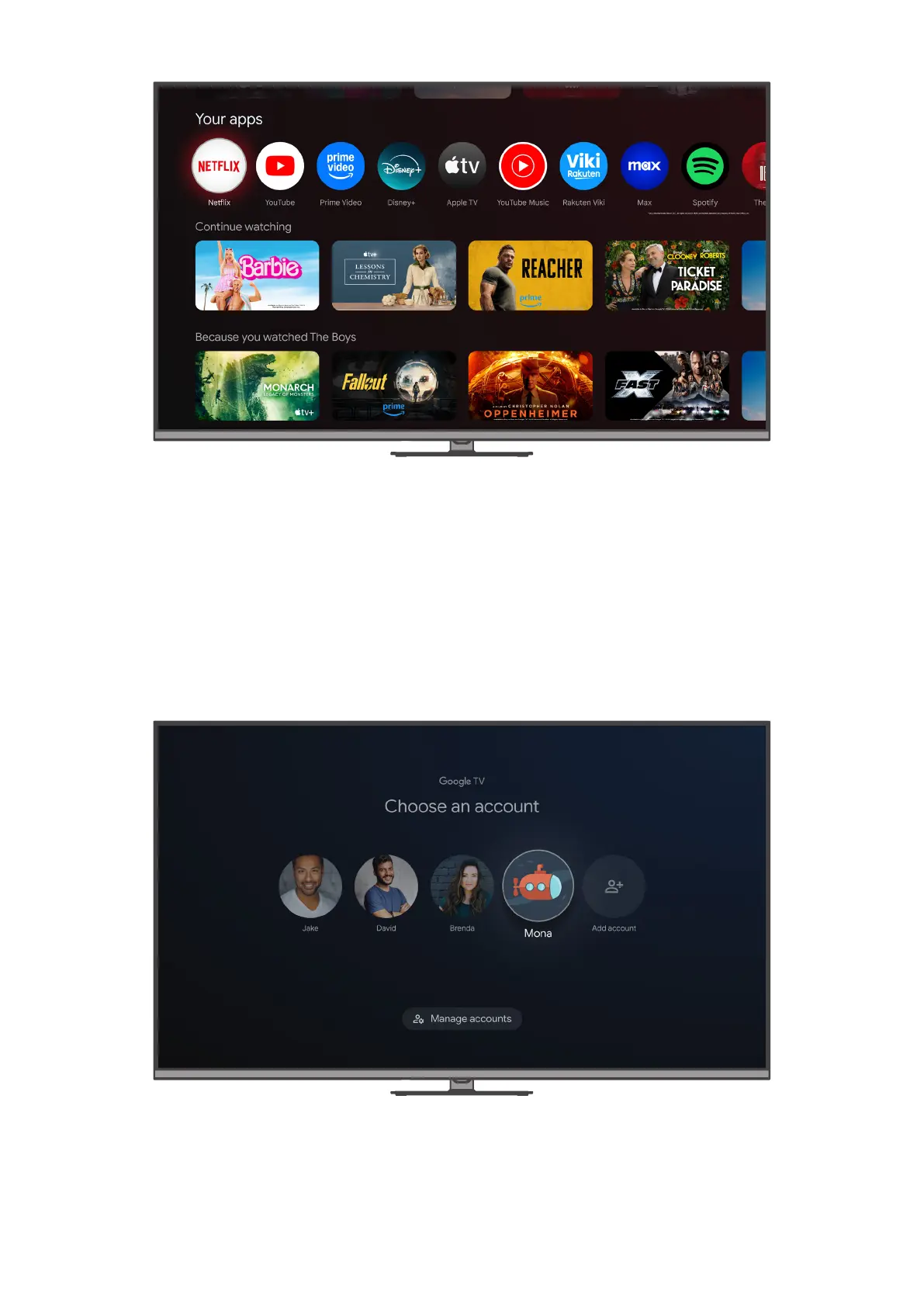
To change the order of your favorite apps, scroll to the end of the “Your apps” row and select “Reorder”. You can
also add more apps to this row by selecting “Add apps”.
Further down on the For You tab, you can select content that you would like to continue watching. Or browse
personalized recommendations from Google to discover new movies and shows based on what you’ve watched
and what interests you, so you can quickly nd your next favorite.
5.2. Proles
Google TV gives everyone in your home their own prole — so you’ll get customized TV and movie
recommendations, your own personal watchlist, and help from Google Assistant. Navigate to the prole icon in
the top left corner of your screen, then press the OK button on your remote control to enter the prole menu.
Here you can manage accounts on your device, switch to a dierent prole, or create a new one with your
Google Account.



 To Next Page