9
4.5. First Installation
After you have successfully paired the remote control, select the installation language and your region, and
follow the installation instructions on your screen.
You can scan the QR code on the screen to set up your Streaming Box Plus 270 in the Google Home app on
your smartphone or tablet. Or you can select “Set up on TV instead” at the bottom of the screen and follow the
on-screen instructions.
Note:
A Google Account is required to set up the Streaming Box Plus 270.
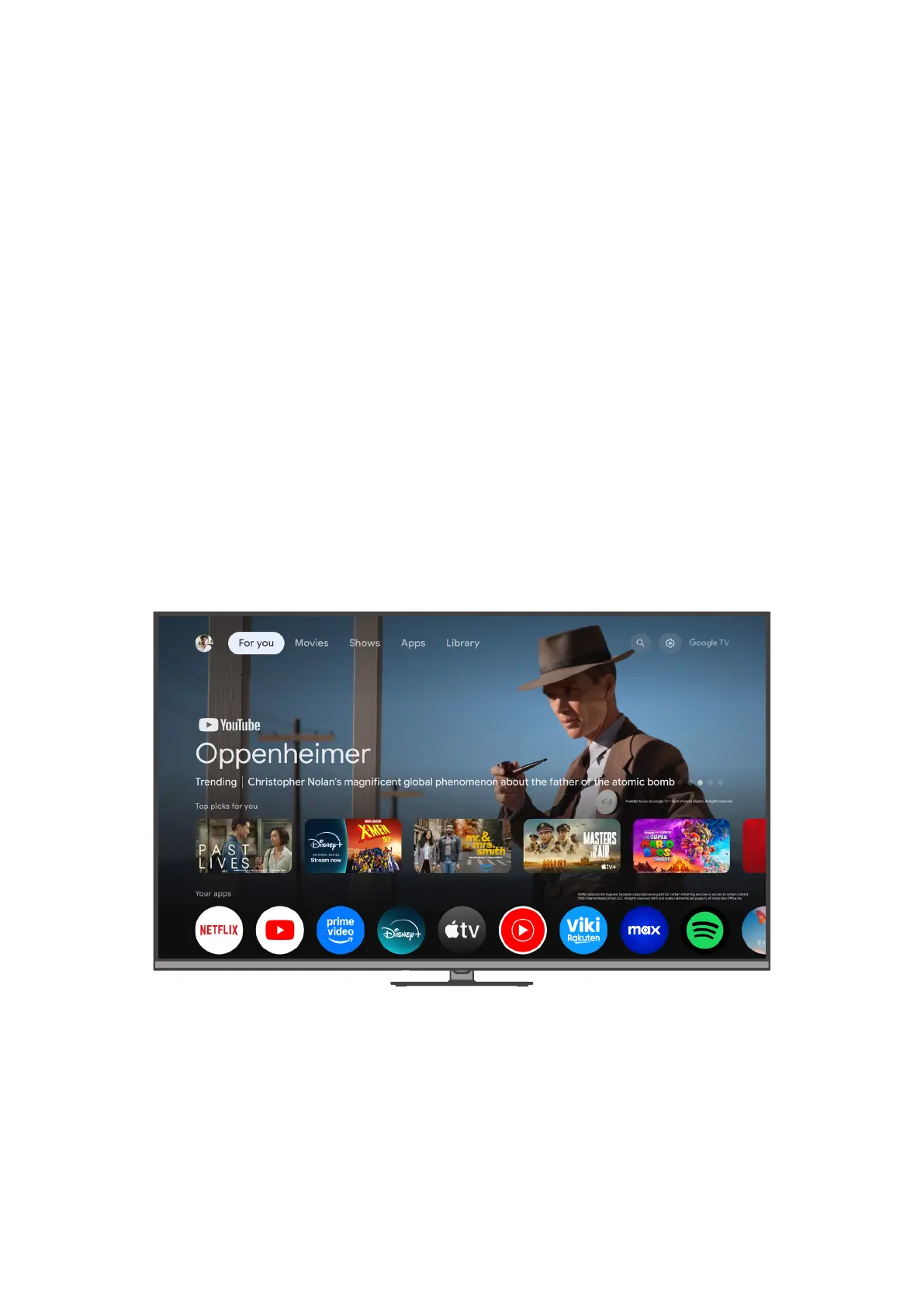
After completing the initial installation of your THOMSON streaming device, the For You tab on the Google TV
home screen will be displayed.
Please note that the illustrations of the menu screens shown in this user guide are for reference only and they
may dier from your country.
5. Google TV
5.1. For You tab
From the For You tab, you can access your installed apps and browse 400,000+ movies and TV episodes from
across your streaming services — in one place, and organized by the genres and topics that interest you the
most. Press the Home button on your remote control to navigate to the For You tab at any time.
Under “Top picks for you”, you can discover movies and shows from across your apps with personalized
suggestions powered by Google and inspired by what you’ve watched.
Note: Depending on the settings of your TV set and the country you selected during the initial setup, the content
on the For You tab may vary.
You can access your favorite apps under “Your apps.”
Use the directional buttons on your remote control to scroll through your favorite apps, then press the OK
button to launch the app you want to open.



 To Next Page