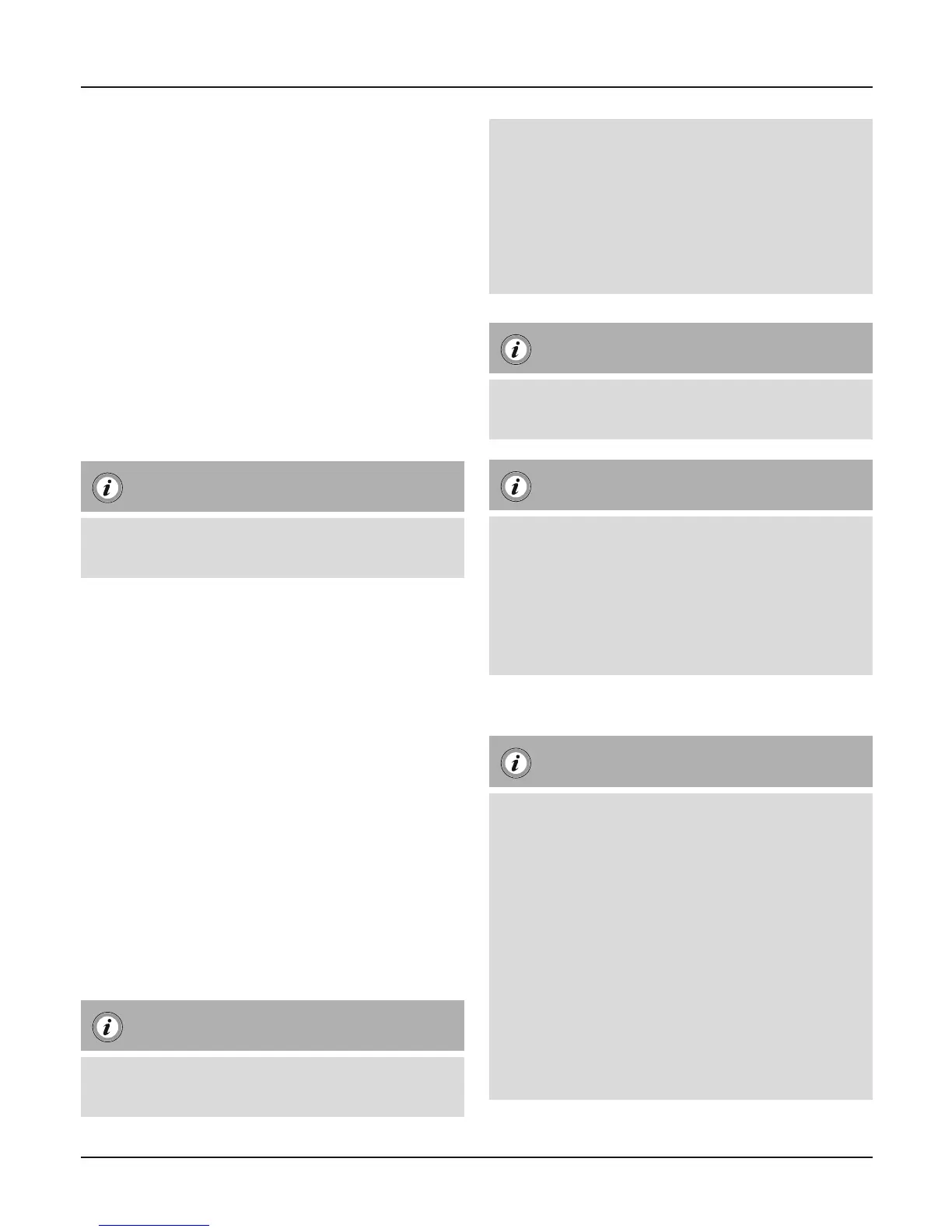
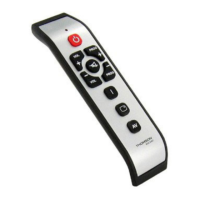
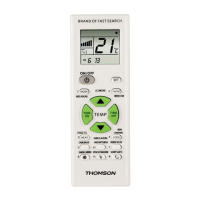
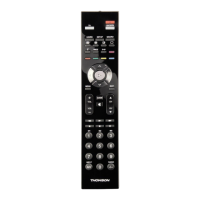
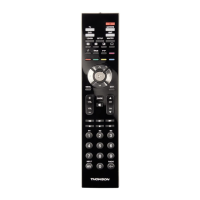
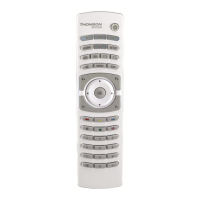
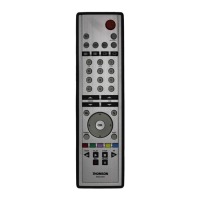
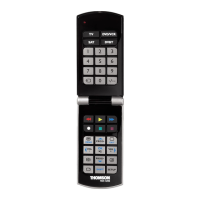
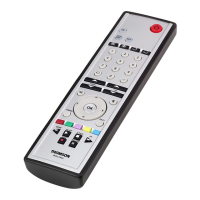
Universal Remote Control
Thank you for your decision for aHama product.
Take your time and read the following instructions
and information completely. Please keep these
instructions in asafe place for future reference.
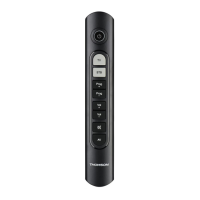
Function buttons
1. ON/OFF /LED Indicator
2. Device selection keys
3. CH +/- -Channel Selection
4. Vol +/- Volume settings
5. Mute
6. AV –Select external AV source
1. Explanation of the Note symbol
Note
► This symbol is used to indicate additional
information or important notes.
2. Package Contents
-Universal Remote Control (URC)
-This operating instructions
3. Safety notes
•Donot use the Universal Remote Control in mo-
ist or wet environments and avoid spray-water
contact.
•Donot expose the Universal Remote Control to
heat sources or direct sunlight.
•Donot drop the Universal Remote Control.
•Never open the Universal Remote Control.
It contains no user-serviceable parts.
•Aswith all electrical devices, keep the Universal
Remote Control away from children.
4. Getting started –installing the Batteries
Note
► Alkaline batteries arerecommended.
Use 2„AAA“(LR 03/Micro) type batteries.
► Remove the battery compartment lid on the
back of your URC (A).
► Check the required battery polarity and in-
sert batteries according to the “+/–” marks
inside the compartment (B).
► Close battery compartment lid (C).
Note: Code saver
► This remote control saves the settings during
battery change.
Note: Battery saving function
► The remote control switches off automatically
when abutton is pressed down for morethan
15 seconds. This conserves battery power if
the remote control gets stuck in aposition
wherethe buttons arecontinually pressed
down, such as between sofa cushions.
5. Setup
Note
► To obtain aproper infrared (IR) transmission,
allways point your Remote control in the
approximate direction of the device you
want to control.
► No entry for approx. 30 seconds will time out
the Setup mode. The LED indicator shows six
ashes and turns off.
► If you want to control adevice ,it´s not pos-
sible while the Universal Remote Control is
in the Setup Mode. Exit the Setup mode and
select the device you want to control using
the device selection keys.
2
G Operating instruction


 To Next Page