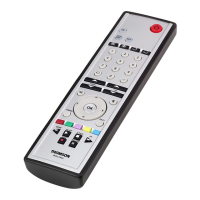
Note
•Donot move the remote controls during the
learning procedure.
•E
nsur
et
hat
the
ro
om
is
not
lit
by
uor
escents
tubes
or
low
ener
gy
consumption
lamps
since
such light sources could interferewith the
copying.
•The 2remotecontrols must be at least
1meter away from any light source.
•During learning mode, if no key is selected for
morethan 30 seconds, the learning mode will
exit automatically or
if no other remote signal is received.
•Each function key will hold only one
command. Anew command to be learned will
automatically replace the previous one.
•Itisnot possible to learn any new functions to
the TV and STBkey.
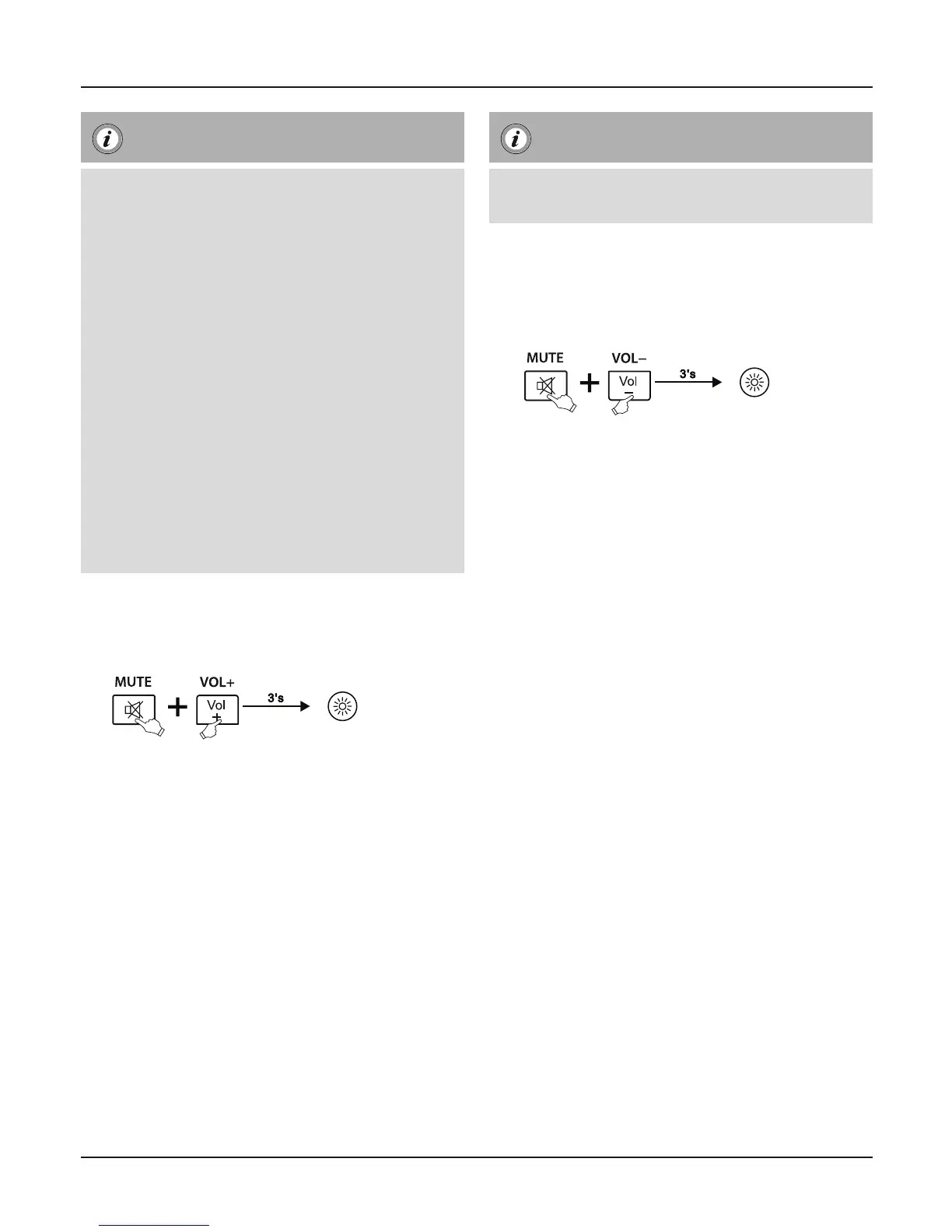
7.2 ENTER LEARN MODE
1. Press and hold the [MUTE] and [VOL+] keys for
approx. 3seconds until the LED will be lit.
2. The Universal Remote Control is now ready to
learn new commands.
7.3 LEARNING OF KEYS
1. Press and release the desired key on the
original remote control which you want the
command to be learned. The LED at your
Universal Remote Control will ash to conrm
that the information has been received.
2. Then press and release the target key on the
Universal Remote Control you want learned.
3. If the LED ashes 3times and then remain on,
the command has been learned successfully.
4. Repeat these steps to learn other key functions.
5. Please press any key to save the code and exit
learning mode.
Note
While replacing the batteries, the remote control will
keep the functions of the learned keys.
7.4 CLEARING OF LEARNED KEYS
7.4.1 CLEARING OF ONE LEARNED KEY
1. Press and hold [MUTE] and [VOL-] keys for
3seconds until the LED will be lit.
2. Press and release the desired key at the
Universal Remote Control which you want to
clear the learned command. If the LED ashes
3times, the learned command has been
cleared successfully.
7.4.2 CLEARING OF ALL LEARNED KEYS
1. Press and hold the [MUTE] and [POWER] keys
for approx. 6s until the LED indicator ash four
times, then means the command has been
cleared successfully.
8. Maintenance
•Donot mix new and used batteries for
powering the Universal Remote Control, as old
batteries tend to leak and may cause power
drain.
•Donot use corrosive or abrasive cleaners on
your Universal Remote Control.
•Keep the Universal Remote Control dust free by
wiping it with asoft, dry cloth.
9. Troubleshooting
Q. My Universal Remote Control does not work at all!
A. Check your TV/STB device. If the device’smain
switch is turned off,your URC cannot operate your
device.
A. Check whether your batteries areinserted properly
and areinthe correct +/- position.
A. Check whether you have pressed the correspondi
-
ng device mode key for your device.
A.
If the batteries arelow,replace the batteries.
5


 To Next Page