13
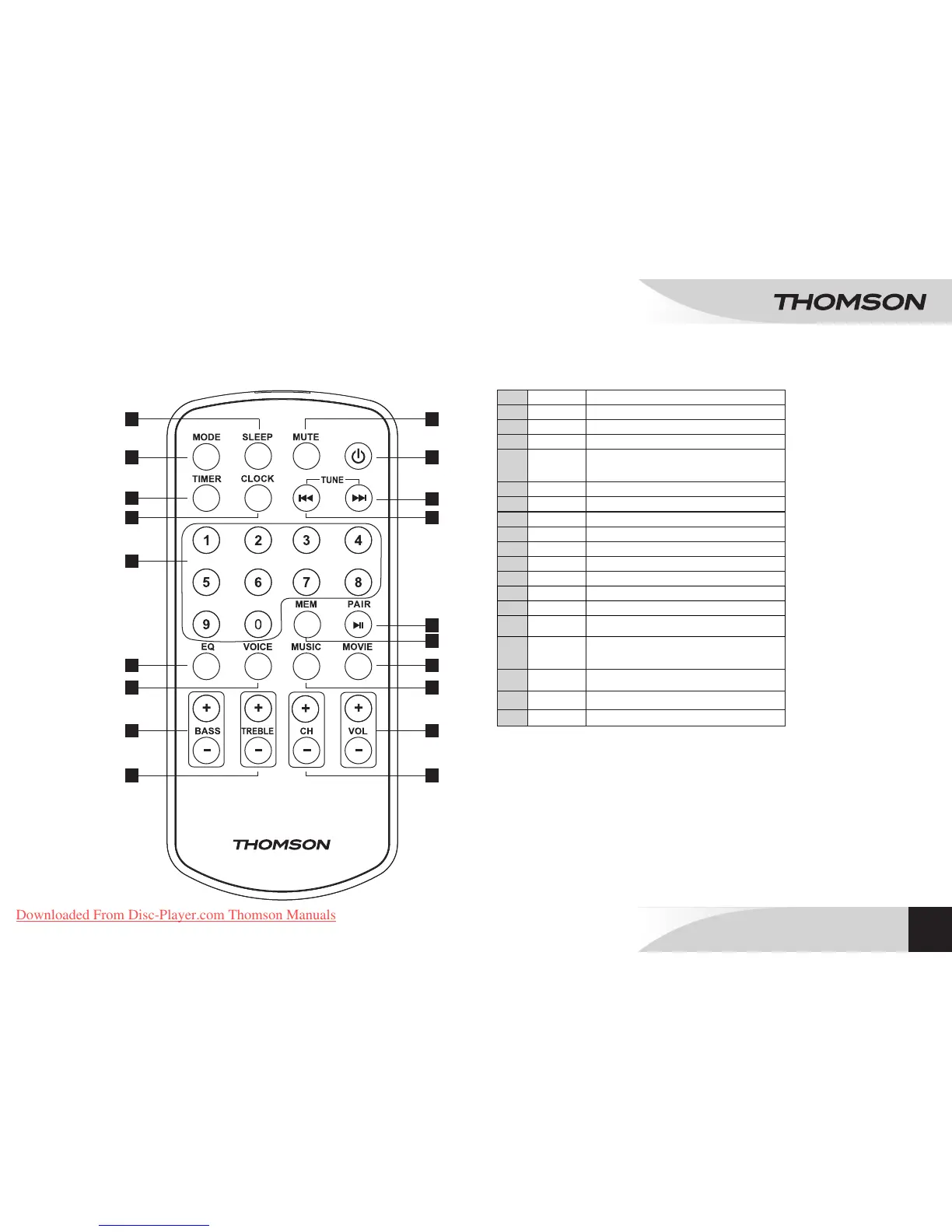
1 SLEEP Causes the system to enter a suspend state.
2 MODE Function selector (FM/LINE/AUX/USB/CARD/OPT/BT)
3 TIMER Sets the activation of the system at a certain hour.
4 CLOCK Clock settings
5
Numeric keypad: Numeric keys (0-9) allow direct
access to selected radio frequency or the desired
track.
6 EQ Equalizer
7 VOICE Selects Voice mode
8 BASS-/+ Adjusts bass sounds
9 TREBLE-/+ Adjusts treble sounds
10 CH-/+ In FM mode: Accesses preset radio stations.
11 VOL-/+ Volume setting
12 MUSIC Selects Music mode
13 MOVIE Selects Video mode
14 MEM In FM mode: Saves radio station settings
15
PAIR / 12
Enables connection with a Bluetooth device./
Playback/Pause
16
TUNE/ 7
• In FM mode: Searches for lower radio frequencies -.
• In USB/SD CARD mode, goes back to previous
track.
17
TUNE/ 8
• In FM mode: Searches for higher radio frequencies +
• In USB/SD CARD mode, goes to next track.
18
q
On/Standby
19 MUTE Enables/Disables sound.
1 19
4
7 12
14
16
9 10
2
3
5
6 13
15
17
18
8 11
EN
BLUETOOTH
®
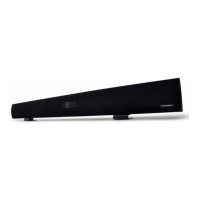
SOUNDBAR
SB220B
REMOTE CONTROL
Downloaded From Disc-Player.com Thomson Manuals


 To Next Page