16
PLAYBACK FROM A USB KEY AND A SD/MMC CARD
• Insert a USB key or a SD/MMC card on the device.
• Turn the device on.
• Press MODE to select the USB or card mode. Playback is automatically launched.
• Press TUNE (8) on the remote control to play the next track; Press and hold the key
to scroll through the track.
• Press TUNE (7) on the remote control to play the previous track; Press and hold
the key to scroll through the track.
• Press the numeric buttons to select your desired track for playback directly.
FM radio
FM radio settings
• Turn the device on.
• Select the FM mode by pressing MODE repeatedly.
• Press TUNE (7/8) on the remote control to search for the frequency.
• Press and hold TUNE (7/8) on the remote control to launch an automatic
frequency search. The search stops when a radio station is properly tuned.
• It is possible to directly access a frequency via the numeric keys on the remote
control. For example, press the keys 8, 9 and 8 to access the frequency 89.8 MHz.
SAVING RADIO STATION SETTINGS
• Set the selected radio station then press MEM on the remote control until the
preselection number «P01» ashes on the screen.
• Use CH-/+ on the remote control to select a preselection number from P01 to P10.
• Press MEM button to conrm.
• Press CH-/+ to access a stored radio station (up to 10 stations).
USE
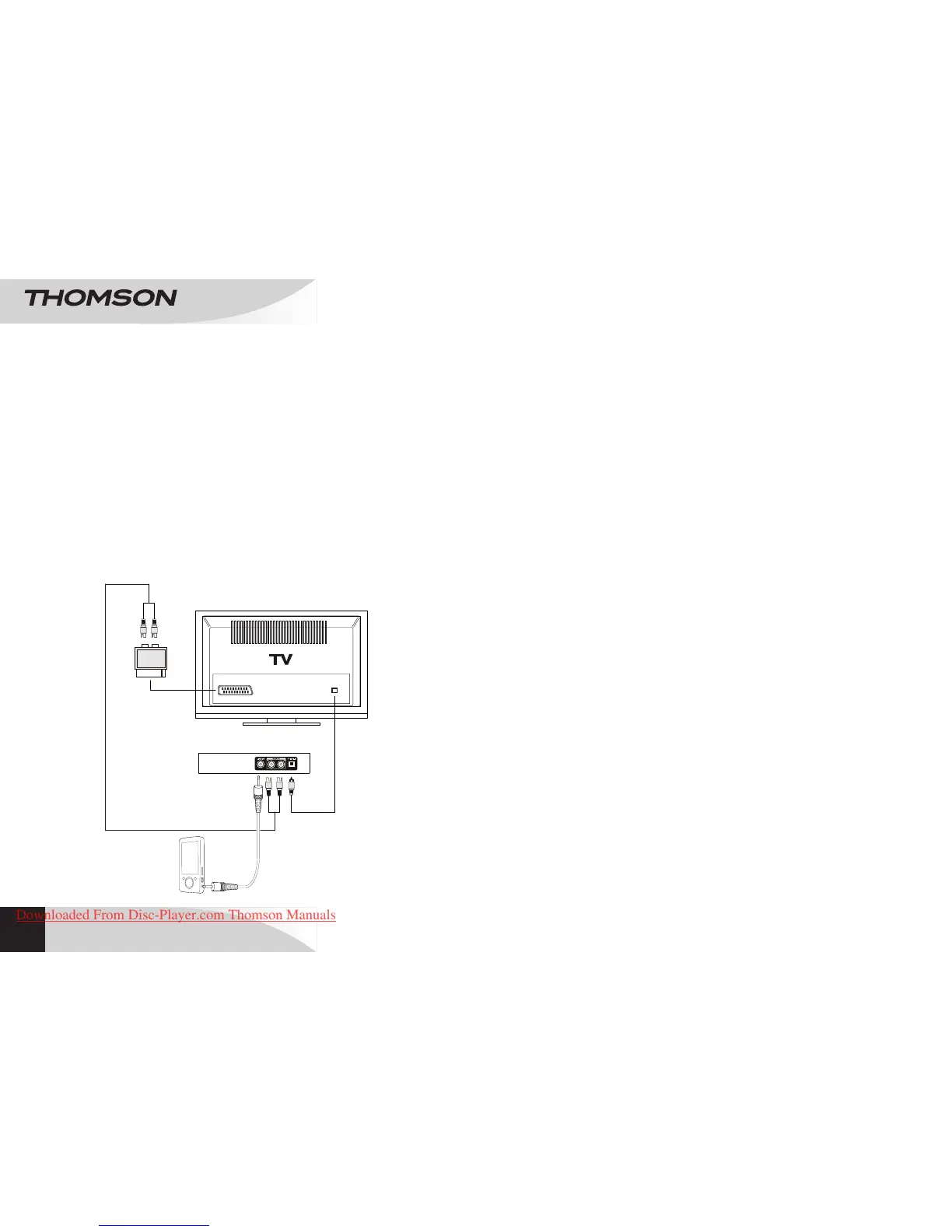
CONNECTING AN OPTIONAL DEVICE
Line in
The LINE IN input enables playback from an external audio source:
• Connect a 3.5/3.5 mm audio cable (provided) to the rear LINE IN input of the
devise and then to the headphones jack on an external audio peripheral.
• Press q to turn on the device.
• Press MODE repeatedly to select the LINE mode.
• Play music from the external peripheral device.
Audio in
The AUDIO IN input also enables playback from an external audio source:
• Connect the audio RCA/RCA cable (red/white provided) to the AUX IN input and
then to an external audio peripheral.
• Press q to turn on the device.
• Press MODE repeatedly to select the AUX mode.
• Play music from the external peripheral device.
Optical input:
• Connect the optical cable to the DVD/Blu-Ray/TV player output and then to the
OPTICAL IN input located at the rear of the device.
EN
S CA RT IN
OPTICAL IN
OUT
OPTICAL OUT
BLUETOOTH
®
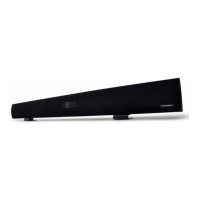
SOUNDBAR
SB220B
Downloaded From Disc-Player.com Thomson Manuals


 To Next Page