15
SETTING UP THE DEVICE
INTRODUCTION
INSTALLATION
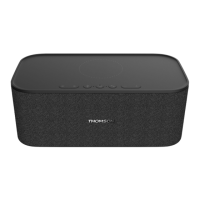
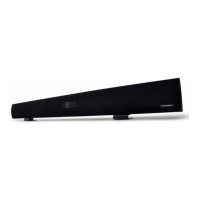
The SB220B THOMSON sound bar enables to:
• Play sound from an audio source (iPhone/iPod, DVD/Blu-ray player, video game
console, etc).
• Play music through a Bluetooth enabled device.
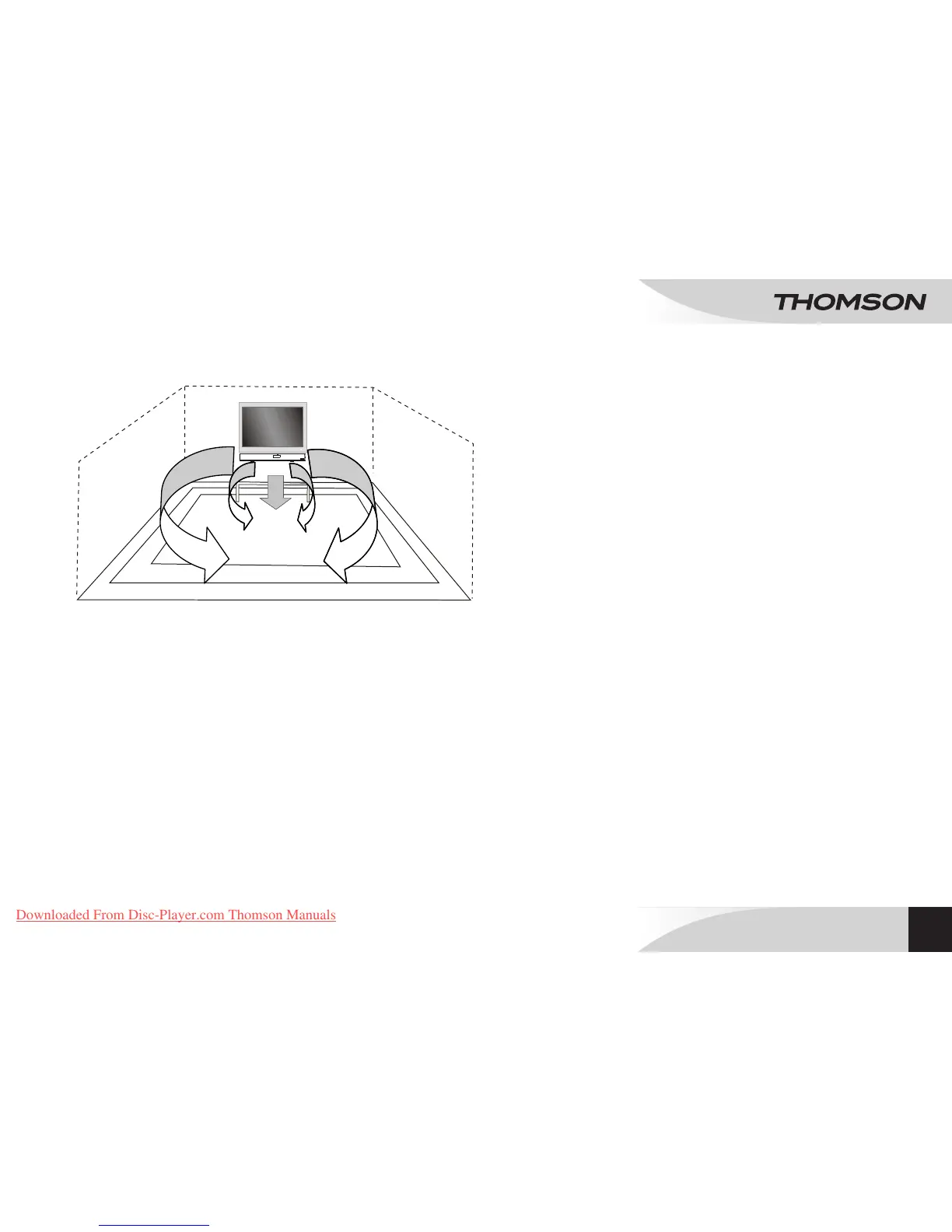
• Place the device on a at, rigid and stable surface. Leave at least 10 cm of space
behind, above and either side of the device to avoid obstructing the air vents or
distorting the sound quality.
• Connect the power plug to a wall socket.
• Press q to turn on the device.
NOTE: If not any audio signal inputs to the unit in about 60 minutes, the unit will enter to
standby mode automatically (except at radio mode).
Caution:
• Risk of damaging the product! Make sure the supply voltage matches the voltage
marked on the device.
• Before plugging the power supply cable, make sure all cables are properly
connected.
Connect the power supply cable to the wall socket.
On/Standby
Press q to start or suspend the device.
Note:
• When the device is, activated, it starts in the same mode selected for the last
playback.
• Disconnect the mains cable from the socket when the system will not be used for
a long time.
• In stand-by mode, press and hold CLOCK on the remote control: the hour display
ashes.
• Adjust the hour using TUNE (7/8) on the remote control.
• Press CLOCK, the minute display ashes.
• Adjust minutes using TUNE (7/8)
• Press CLOCK to conrm.
Note: During playback, press CLOCK to display the current time, the press CLOCK
again to go back to previous display.
MAINS POWER SUPPLY
SETTING THE TIME
EN
BLUETOOTH
®
SOUNDBAR
SB220B
Downloaded From Disc-Player.com Thomson Manuals


 To Next Page