E-DOC-CTC-20060911-0081 v1.0
Chapter 2
Basic Installation
26
Installing your wireless client adapter
Proceed as follows when the Home Install Wizard prompts you to plug in the wireless client adapter:
1 Plug in the wireless client adapter. The hardware is being installed.
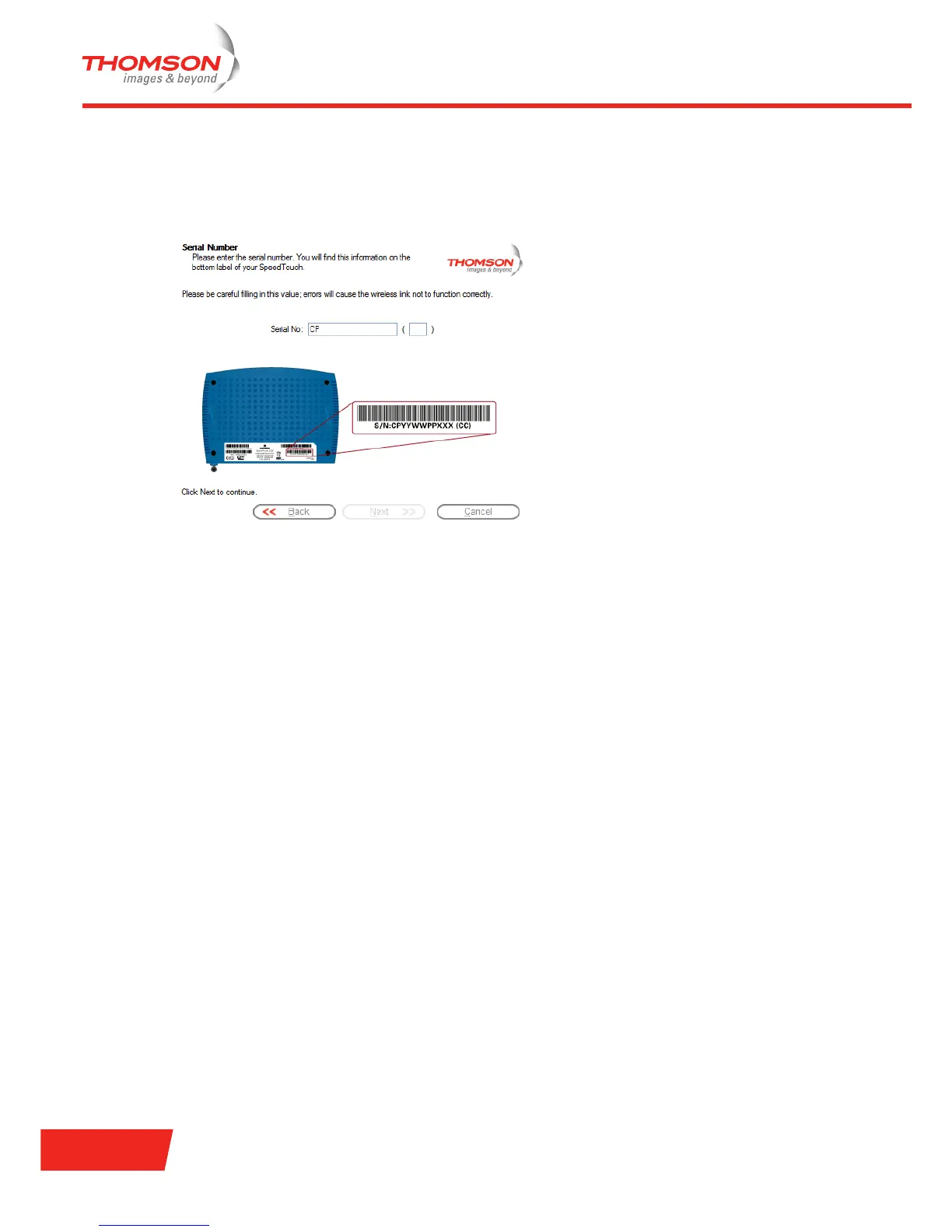
2 Enter your Thomson Gateway’s serial number and click Next.
A progress window appears, showing the setup of the wireless connection to your Thomson Gateway.
3 Continue with ”Configuring the Internet connection” on page 12.



 To Next Page