E-DOC-CTC-20060911-0081 v1.0
Chapter 4
Troubleshooting
45
4.7 Reset to Factory Defaults
Resetting your Thomson Gateway
You might consider a reset to factory defaults as described below.
A reset to factory default settings deletes the configuration profile settings. Therefore, after the reset, a
reconfiguration of your Thomson Gateway will be needed.
Reset to default configuration
Proceed as follows:
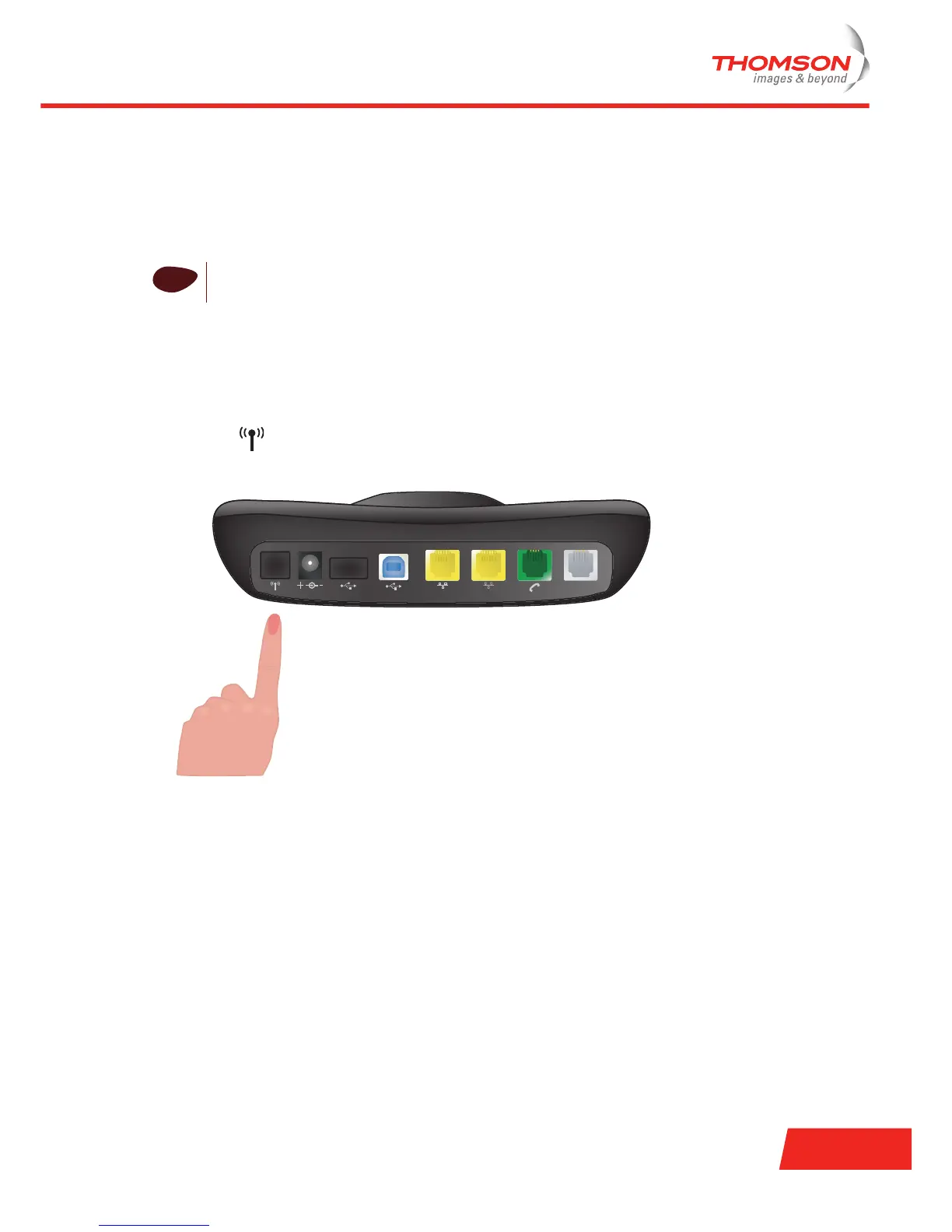
1 Press the button on the back of the Thomson Gateway.
2 Hold the button down for at least 15 seconds.
!
Be aware that a reset to factory defaults will revoke all configurational changes you made to the
Thomson Gateway.
USB-B
DSL
ETH 1
ETH 2USB-A9V DC



 To Next Page