E-DOC-CTC-20060911-0081 v1.0
Chapter 4
Troubleshooting
35
4.2 LED Diagnostics
LEDs
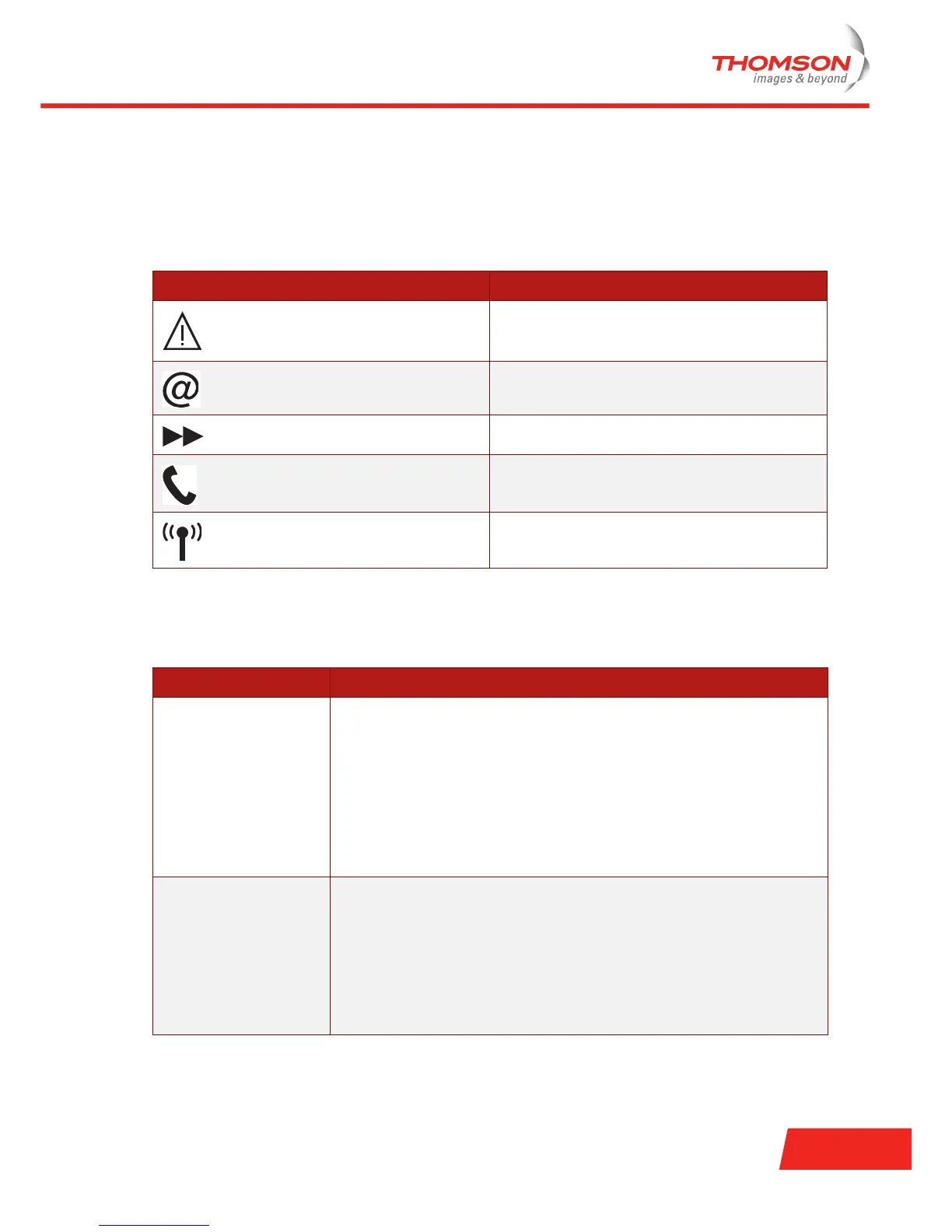
Following LEDs are available on your Thomson Gateway:
Checking the LEDs
Indicator Name
DSL LED
Internet LED
Ethernet LED
VoIP LED
WLAN LED
LED status Possible solutions
DSL LED is flashing green
or no DSL LED
Your DSL service is unable to synchronise.
> Make sure the Thomson Gateway is plugged into the DSL-enabled phone
line.
> Make sure micro-filters are correctly fitted (if not, it is very likely that your
regular telephone service is not working properly).
> Make sure you have the correct Thomson Gateway variant (ISDN or
POTS) according the DSL/phone service provided to your premises.
> If you have previously had a working connection, call your ISP to check
for service outages.
No Ethernet LED No Ethernet connectivity:
> Make sure the Ethernet cable(s) are firmly connected to the 10/100Base-T
port.
> Make sure you are using the correct cable type for your Ethernet
equipment.
> Make sure the Ethernet NIC driver is correctly installed and enabled on
your computer. Power safe options for the Ethernet NIC should preferably
be disabled.



 To Next Page