E-DOC-CTC-20060911-0081 v1.0
Chapter 4
Troubleshooting
39
4.4 Thomson Gateway Setup CD Troubleshooting
The Thomson Gateway CD does not start automatically
Proceed as follows:
> In Microsoft Windows:
1 In the Windows task bar, click the Start button.
2 Select Run.
3 In the Open field, enter the following path: D:\Setup.exe, where D stands for the drive letter of your
CD-ROM drive.
> In Mac OS X:
1 On your desktop, double-click the CD icon.
2 Double-click Menu.
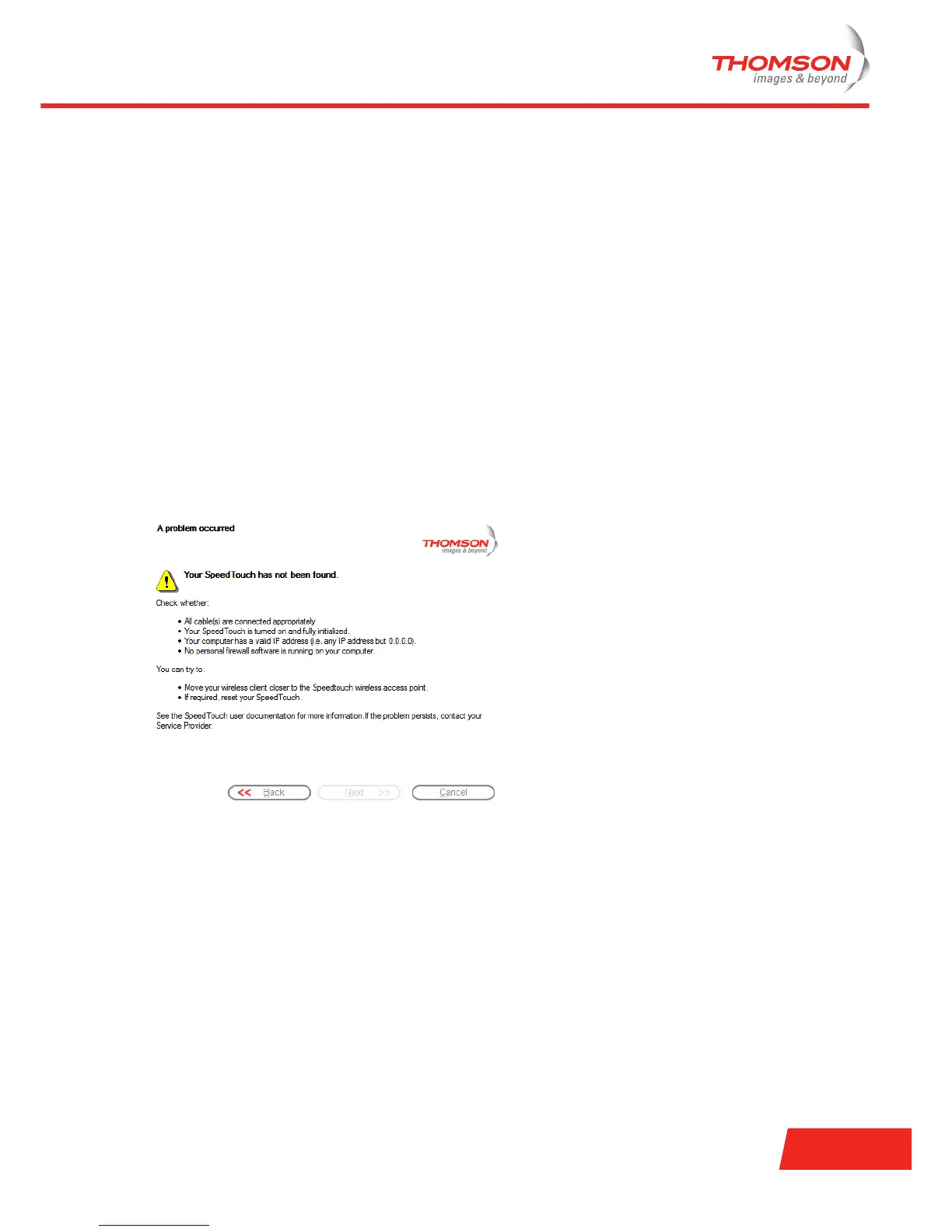
The wizard does not detect a connection
If the Home Install Wizard does not detect a connection to your Thomson Gateway, an error window appears.
If this is the case, check whether:
> The Thomson Gateway is turned on and fully initialised.
> Your computer has a valid IP address, that is any address but 0.0.0.0.
In Microsoft Windows:
1 In the taskbar, click the Start button.
2 Select Run.
3 In the Open field, type cmd.
4 Click OK.
A black window will appear with a flashing cursor.



 To Next Page