E-DOC-CTC-20060911-0081 v1.0
Chapter 2
Basic Installation
28
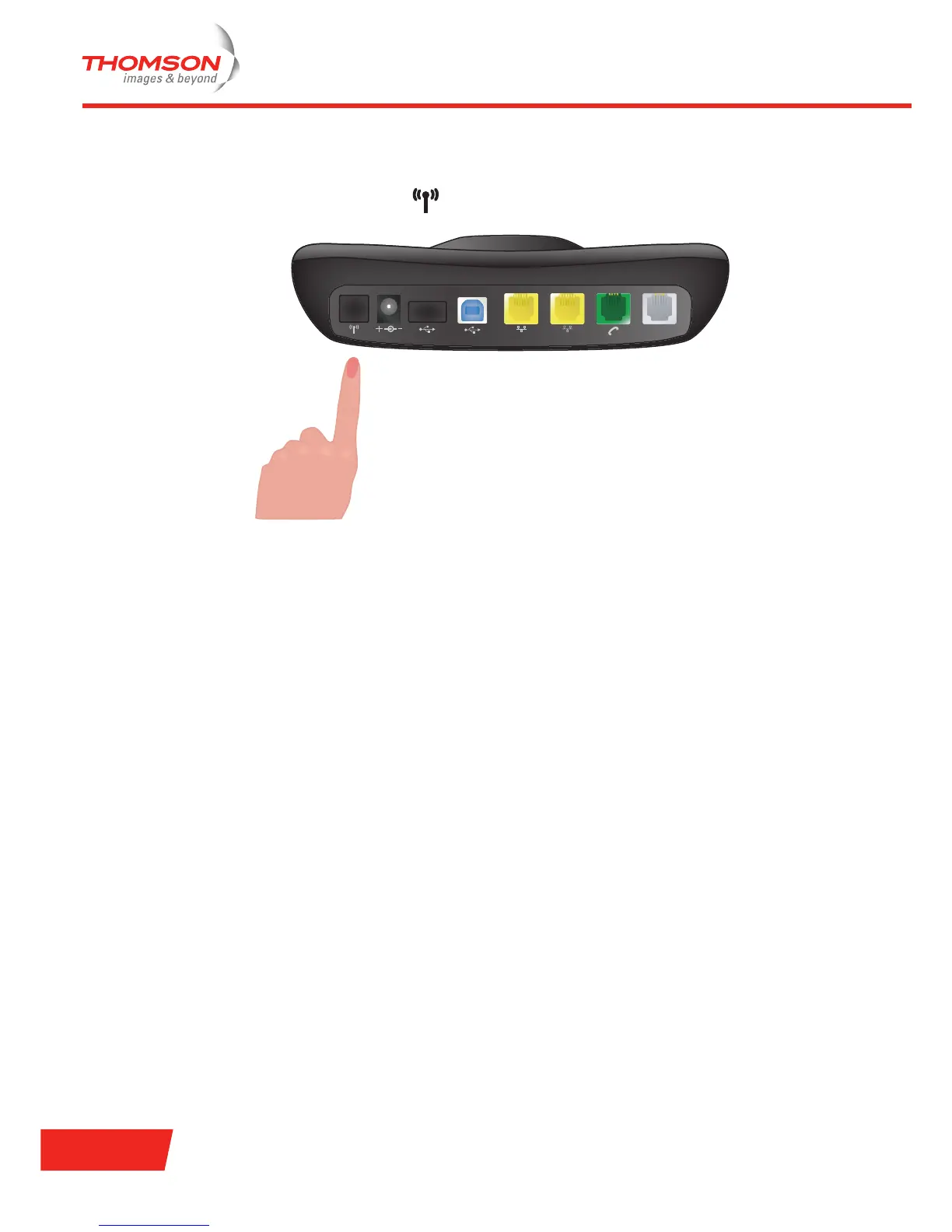
Put the Thomson Gateway base station in registration mode
On the Thomson Gateway base station:
1 Shortly press the registration button ( ) on the Thomson Gateway back panel.
2 The DECT phone prompts you that the registration was succesfull.
VoIP configuration
You are now able to make phone calls over the traditional (PSTN) phone network (if enabled by your
telephone operator). To make phone calls over the Internet, using Voice over IP (VoIP), follow the instructions
of the Thomson Gateway User Guide.
USB-B
DSL
ETH 1
ETH 2USB-A9V DC



 To Next Page