33
USB Troubleshooting
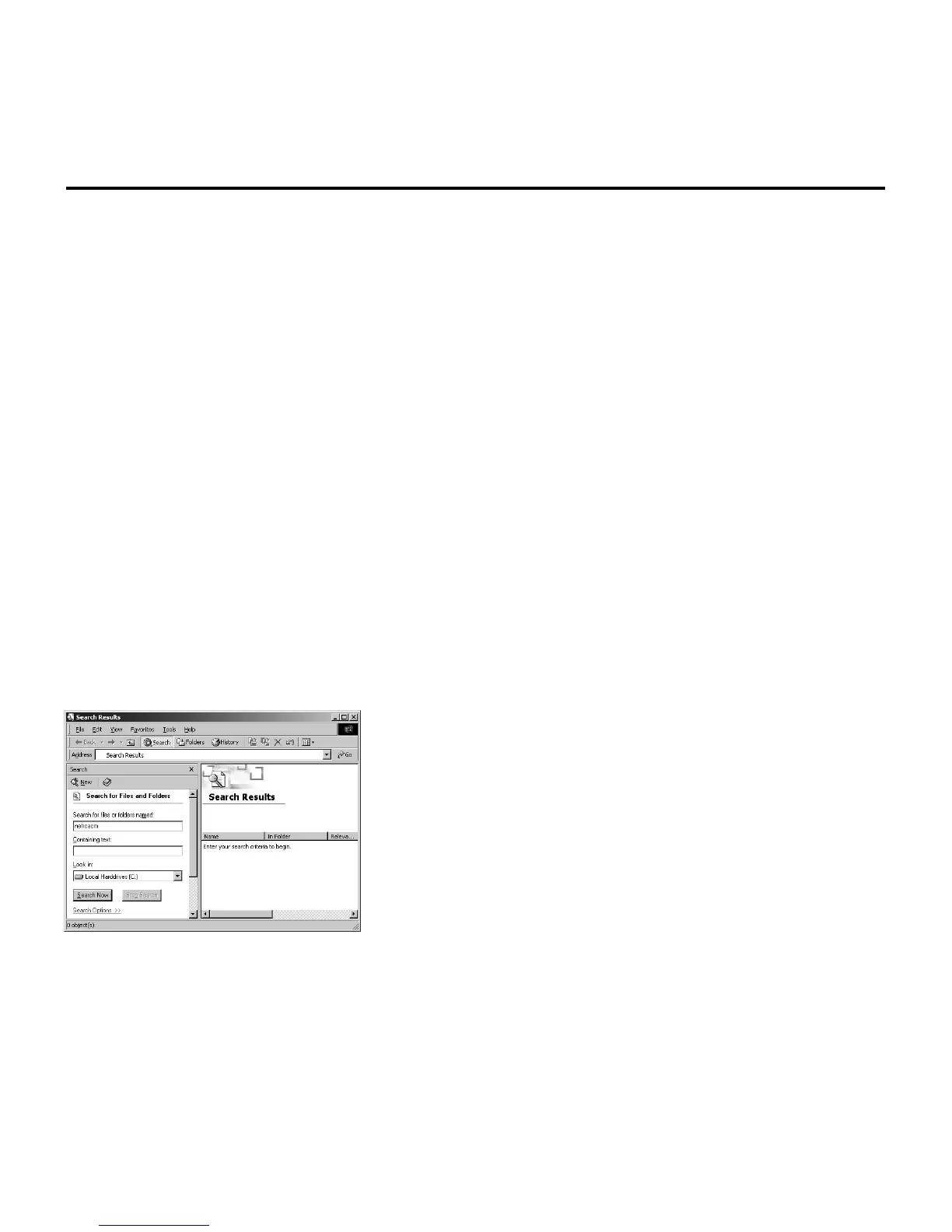
TS Fig. 3
Windows 2000
1) Remove the “RCA or Thomson USB Cable Modem” network adapter following the Windows
2000 instructions outlined in Solution 1B, Remove Another Network Adapter, on page 34.
2) Remove the “netrcacm.sys.”
a) Left click on the “Start” icon in the lower left-hand corner of your screen.
b) Select “Search,” followed by “For Files or Folders.” The “Search Results” window
appears. The window may resemble the one below (TS fig. 3).
c) In the “Containing Text:” box, type “netrcacm.” In the “Look in:” box, use the pull down
menu to select your local hard drive (e.g., “c:\”), and press “Search Now.”
The search should find the netrcacm.sys file.
d) Highlight this file and press “Delete.”
e) The “Confirm File Delete” window appears. Click on “Yes” to confirm your approval to
delete this file.
f) Close all open windows.
3) Remove the correct “inf” file.
Note: In Windows 2000, the name of the “inf” file may not be consistent.
a) Left click on the “Start” icon in the lower left-hand corner of your screen.
b) Select “Search,” followed by “For Files or Folders.” The “Search Results” window
appears.



 To Next Page