Chapter 1: Connections and Setup
Illustrations contained in this document are for representation only.
9
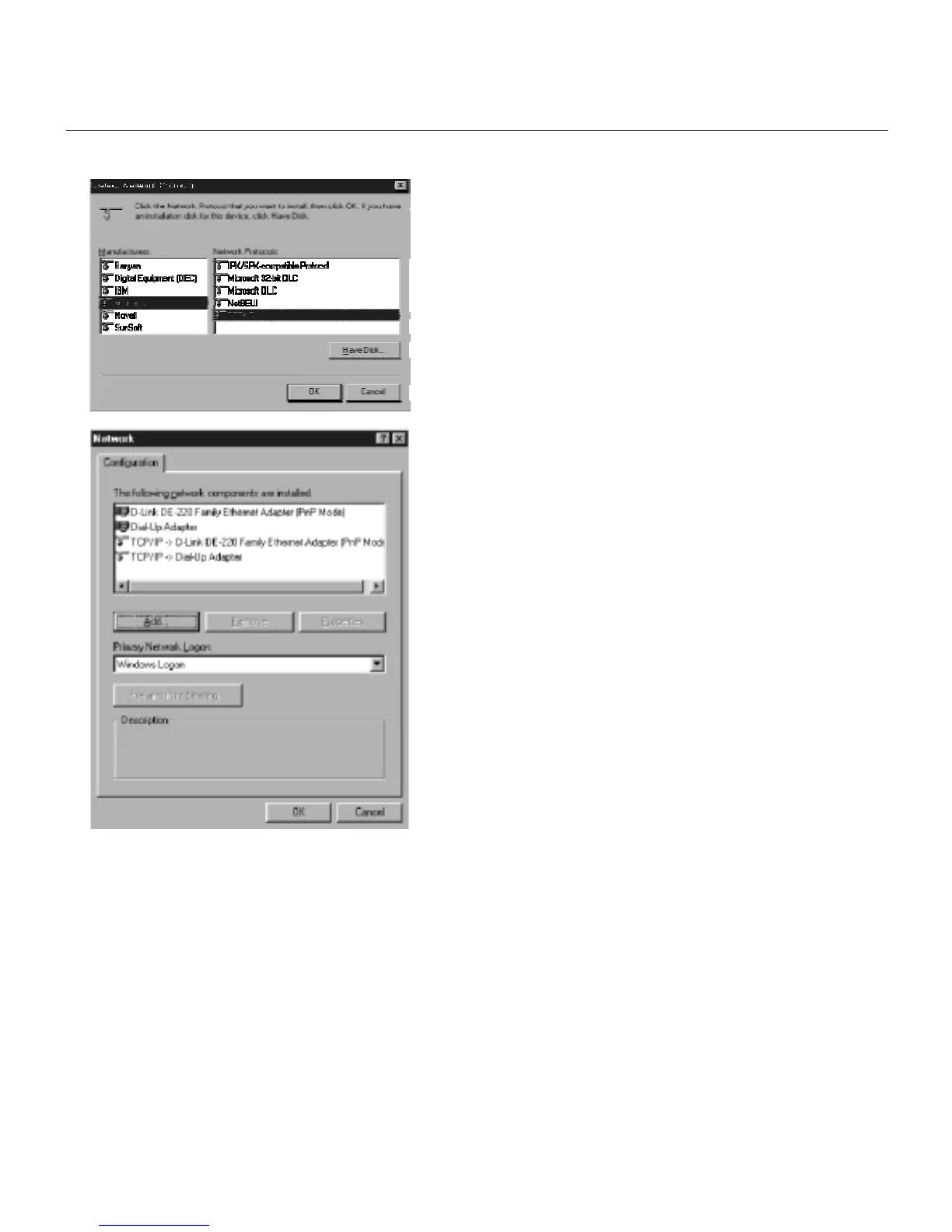
Fig. 4
7. After a few seconds, the main Network
window will appear. The TCP/IP Protocol
should now be listed.
Fig. 5
8. Click the OK button again. Windows may
ask you for the original Windows
installation disk or additional files. Supply
them by pointing to the correct file
location, e.g., D:\win9x,
c:\windows\options\cabs, etc. (if “D” is the
letter of your CD-ROM drive).
9. Windows will ask you to restart the PC.
Click the Yes button.
10. The TCP/IP installation is now complete.



 To Next Page