Chapter 3: Advanced Configuration
34
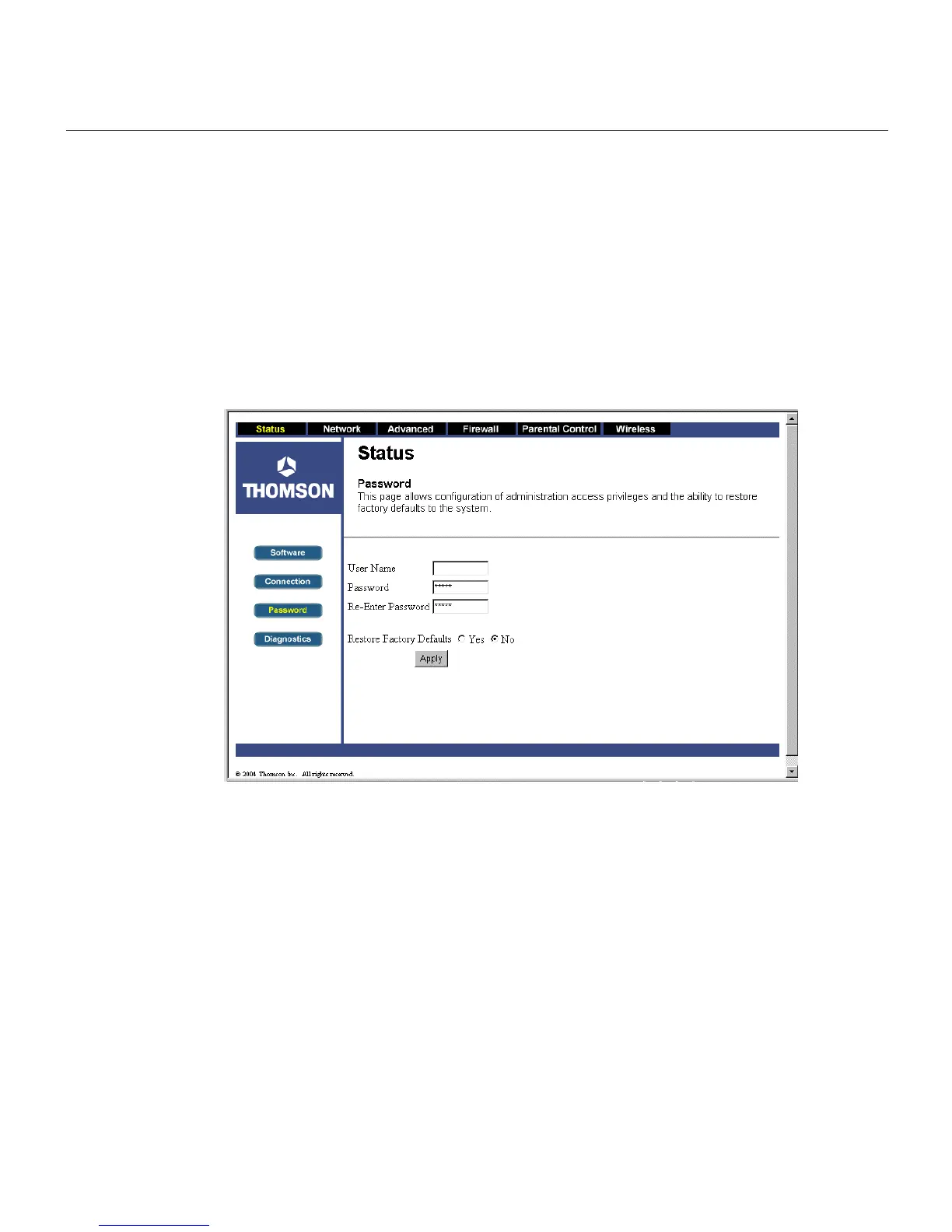
Password Web Page
This page is used to set a password that enables you to access all the gateway internal web pages.
The password can be a maximum of 8 characters and is case sensitive. In addition, this page can
be used to restore the gateway to its original factory settings. Use this with caution, as all the
settings you have made will be lost. To perform this reset, set Restore Factory Defaults to YES
and click Apply. This has the same effect as a factory reset using the rear panel reset switch,
where you hold in the switch for 15 seconds, then release.
Fig. 19



 To Next Page