Chapter 1: Connections and Setup
16
your connection to the network to be rejected.
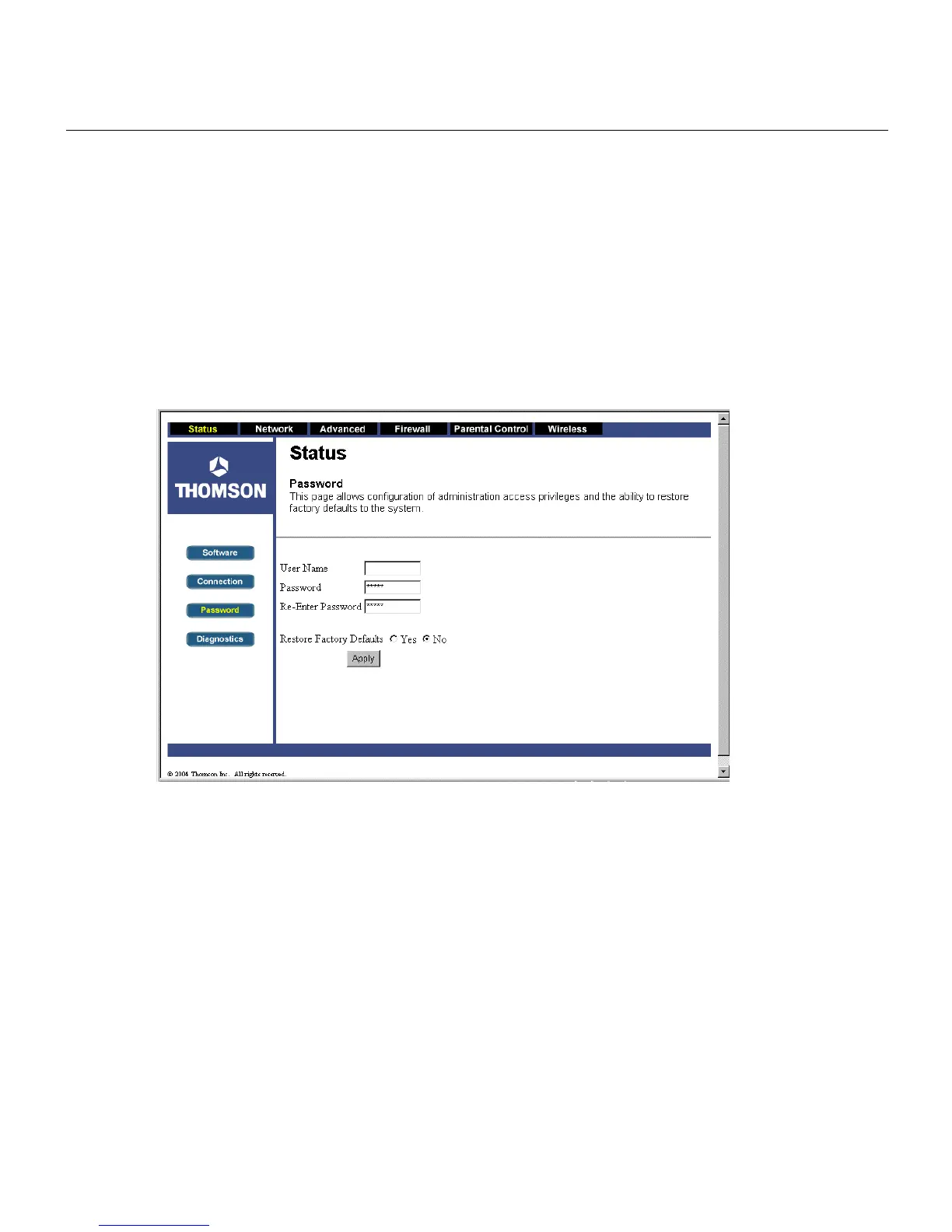
4. The gateway provides a Status Password webpage where you can change the web page’s
access password and restore factory default of the gateway. Also, you can change the default
“admin” password to the desired password. Click the Apply button to save your settings.
IMPORTANT: If you have previously enabled any Internet-Sharing Proxy server software on any of
your PCs, disable it.
Fig. 10
Some examples of Internet-sharing software are Internet LanBridge, Wingate, ICS, and Sygate. To
disable your Internet-sharing software:
• If you are running Netscape Navigator: Click Edit >> Preference >> Advanced >> Proxies >,
and click Direct Connection to the Internet.
• If you are running Internet Explorer v5 or better, click Start >> Settings >> Control Panel >>
Internet Options >> Connections >> LAN Settings. Remove the checks from all three boxes.
Click OK to continue.



 To Next Page