4-4
4.3. Setting Network Products
4.3.1. View or Change Network Settings
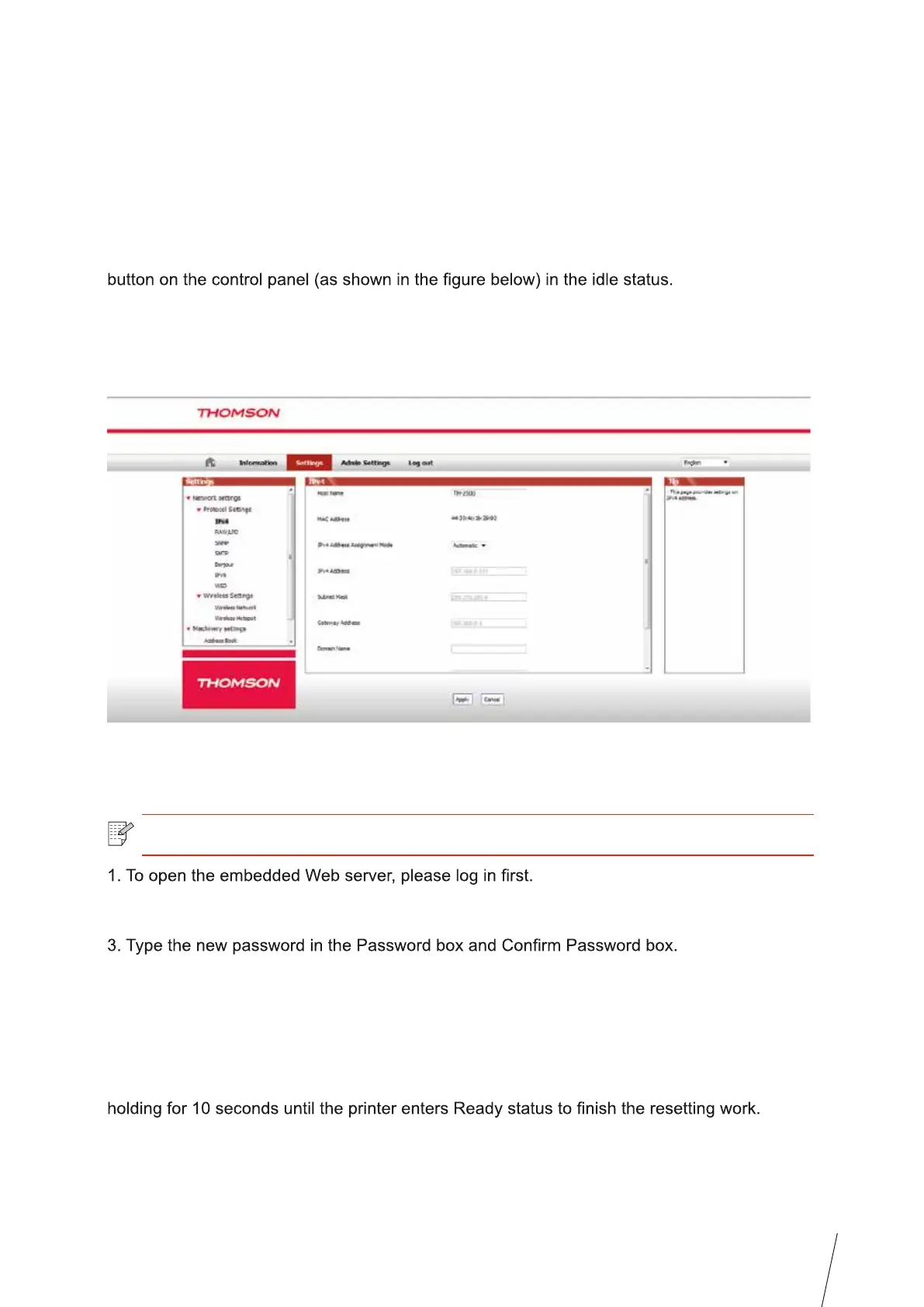
You can use the embedded Web server to view or change IP settings.
1. Long press the "Cancel/Continue" button on the control panel to print Demo information
page, and view the IP address of the printer. Demo page can be printed by long pressing the
2. Type the IP address in the Web browser's address bar to access the embedded Web
server.
3. Click Settings tab to obtain network information. Change the settings as needed.
4.3.2. Set or Change Web Server Login Password
Use the embedded Web server to set a network password or change the existing password.
2. Click Administrator Settings tab.
4. At the bottom of the window, click Apply button to save the settings.
4.3.3. Restore to Factory Settings
If you want to reset all parameter settings of the printer, you can restore to the factory settings
by long pressing "Cancel/Continue" button when the printer is powered off to power on it and
Note: • The default username is "admin", and the initial password is "000000".



 To Next Page