7-3
Note: • You can select the 2 x 2 Poster Print in N-in-1 to enable the poster printing function.
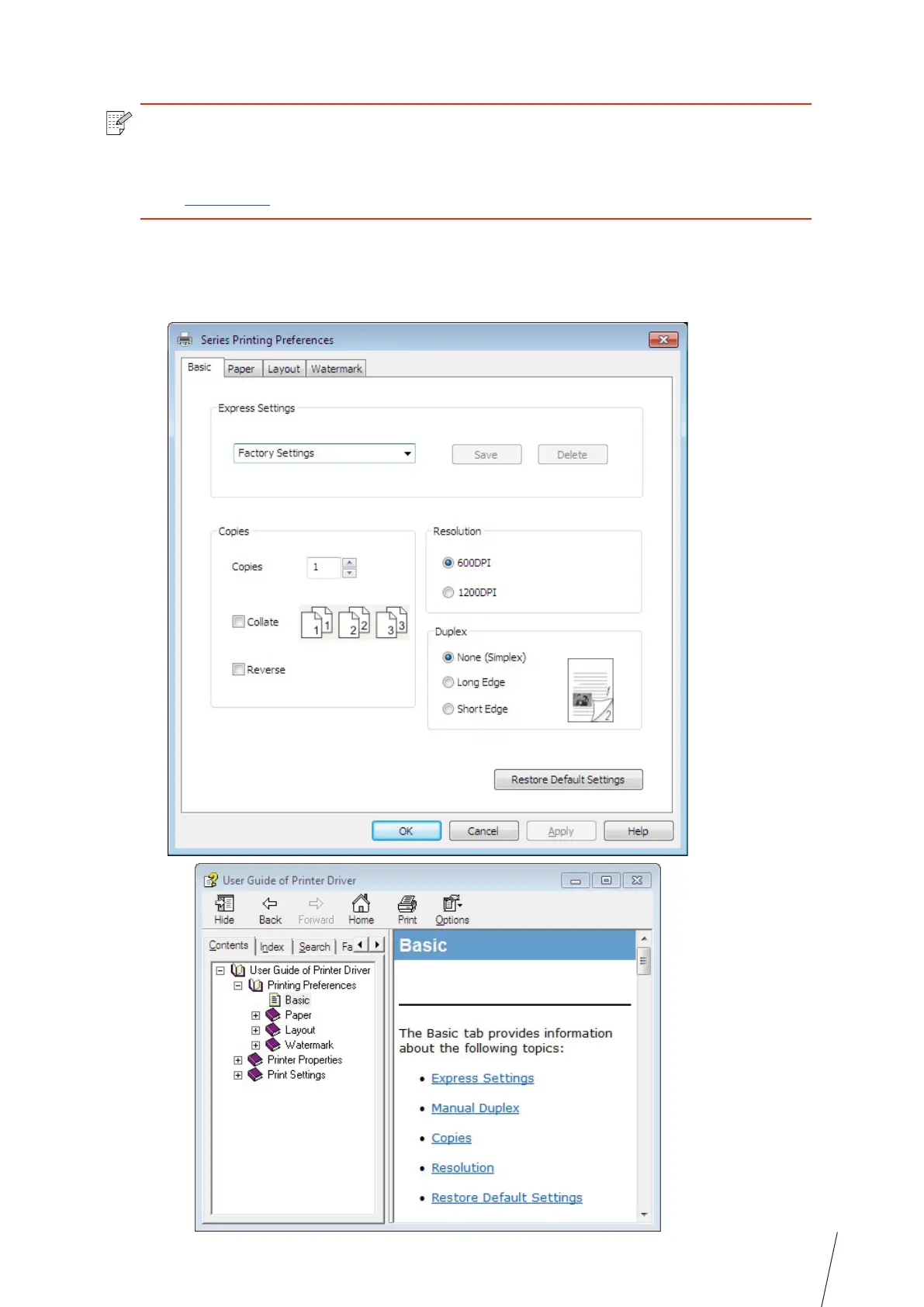
• You can open the Printing Preferences and click Help button to view the specific
function explanation. For information about how to open the help document, see
Section 7.2.
7.2. Opening Help Document
You can open the Printing Preferences and click Help button (for Windows system only). The
help document contains the user guide where you can find the information on print settings.



 To Next Page