5-5
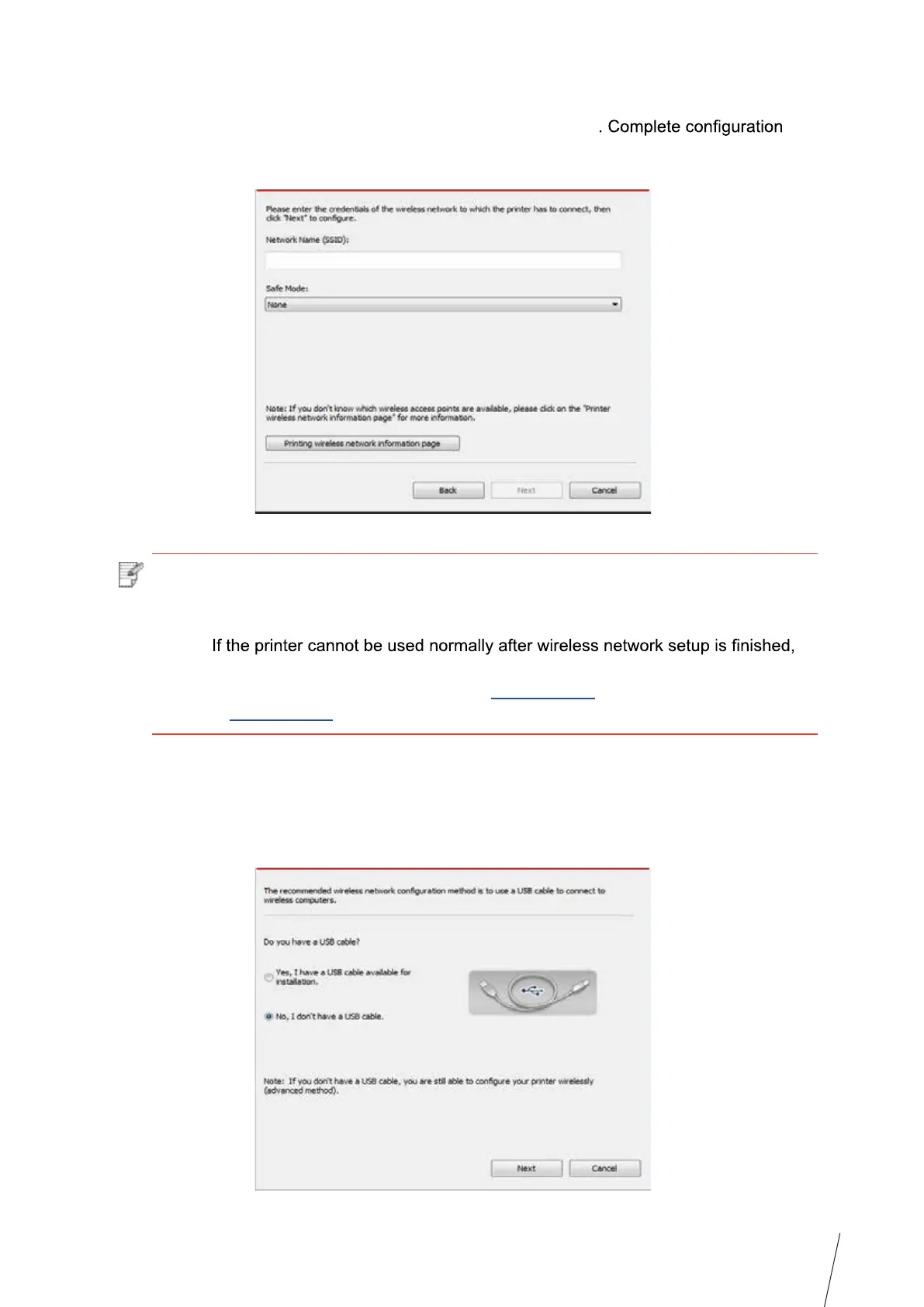
2.2 The computer is not connected to wireless network Input the SSID (case sensitive) and
password of access point (wireless router) in the interface below
according to interface prompt.
Note: • If you do not know the SSID of access point (wireless router), please click “Print
Wireless Network Information Page” to view the SSID of the needed access point
(wireless router).
•
please install the drive again. Please select “wireless network connection ” as
the installation method (please refer to Chapter 3.1.4 for Windows system
and Chapter 3.3.3 for Mac system).
3. Use WPS connection .
Select “No, I don’t have a USB cable” in the interface below and then click “Next”.



 To Next Page