7-6
d) Click Print.
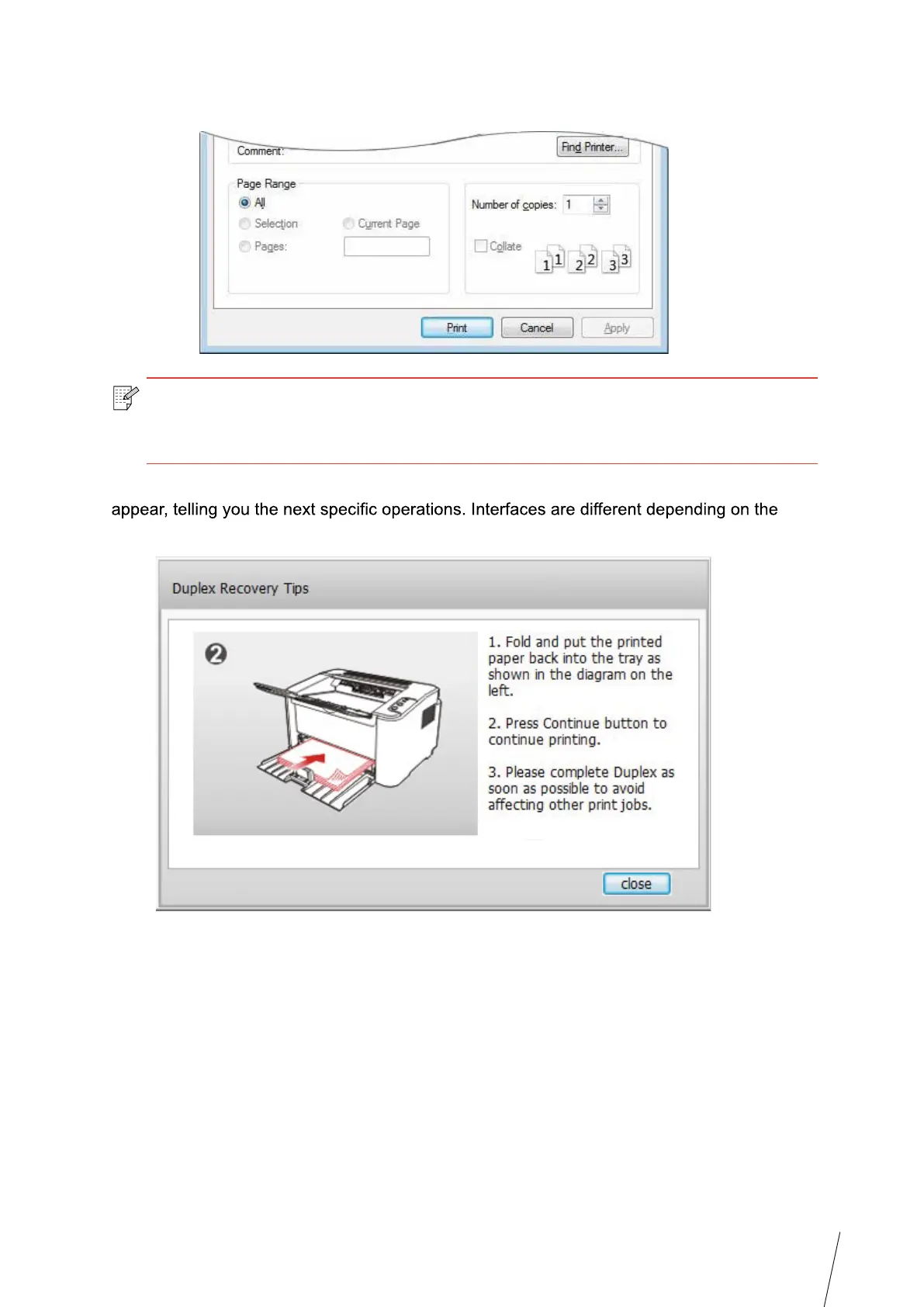
e) Send the print job after choosing Manual Duplex, then the following prompt window will
models.
Note: •
It is recommended to raise the output tray to prevent
the paper from sliding out of
it. If you choose not to raise the output tray
, we recommend that you immediately
remove the printed paper output from the printer
.



 To Next Page