10-5
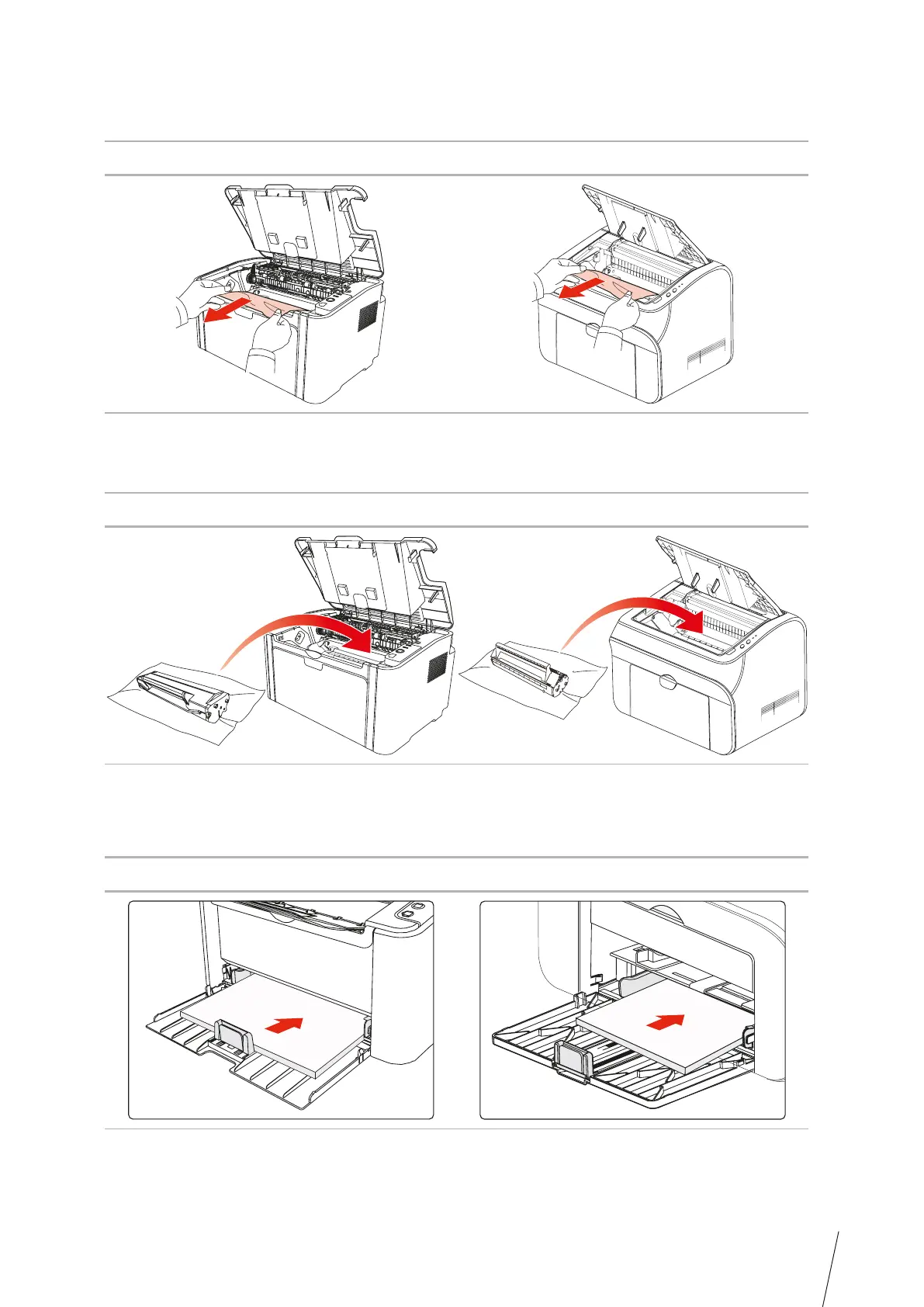
5. Slowly pull the jammed paper out along the paper output orientation.
TH-2500
TH-2500
TH-2500
TH-2600
TH-2600
TH-2600
6. After removing the jammed paper, insert the laser toner cartridge into the printer along the
guides until you hear a click assuring you that the cartridge is fully inserted.
7. Put the paper in the tray neatly, and do not carry out the next print until the indicator
resumes print-ready status.



 To Next Page