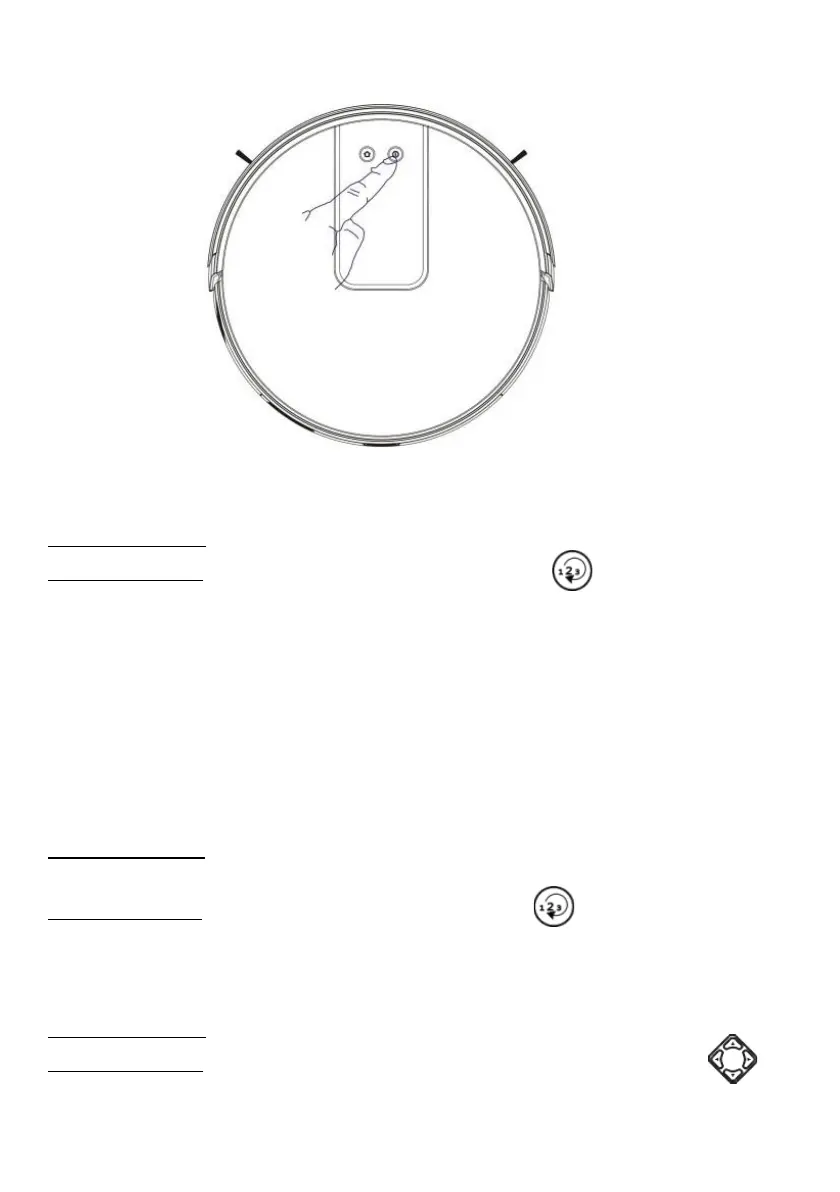
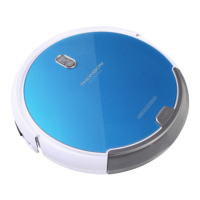
2) Cleaning with Max Power (for the aspiration of a single piece):
Cleaning mode: Perfect for cleaning in MAX power
Setting method: Click the “Mode Change” button on the remote
control to select the Max Power mode to start the max power cleaning.
Friendly reminder: When one single room is in need of cleaning, please close
the door and the Robot will do centralized cleaning in the room.
If this room does not have a charging base, the Robot will return to the original
point after cleaning. Max Power mode is always in super suction cleaning
mode.
3) Cleaning Baseboards
Cleaning mode: For indoor corners cleaning, the Robot cleans along the walls
and returns to the charging base after the edge cleaning is finished.
Setting method: Click the “Mode Change” button on the remote control
to select the Baseboard cleaning mode to start the edge cleaning.
Manual Control
Cleaning mode: Suitable for manual control to precision cleaning.
Setting method: Click the “Direction” button on the remote control to
control the Robot to move forward and backward and turn.


 To Next Page